Webcam Privacy: Stay in Control While You Earn
Your webcam can be the start of a flexible, high-earning career – but only when you control what viewers can see, know and access. Webcam privacy is not about being fearful or making your work harder. It is about setting up smart boundaries from day one, so you can focus on your shows, your regulars and your income.
For many new models, the biggest worry is being recognised. That concern is valid, but it is also manageable. A professional setup, a clear plan and consistent habits can keep your personal life separate from the character and brand you build online.
Webcam Privacy Starts Before Your First Show
The strongest privacy choices happen before you go live. Decide what parts of your real identity stay offline and treat that decision as a business rule, not something to negotiate when a viewer asks the right question.
Start with your cam name. Choose one that has no connection to your real name, old social handles, workplace or local area. Avoid using the same profile photo, username or bio you use on personal accounts. A viewer should not be able to search one small detail and find your Facebook, Instagram, LinkedIn or private TikTok.
Create a separate email address for your webcam work too. Use it only for creator accounts, platform messages and business administration. Do not connect your personal number to public-facing profiles if you can avoid it. A separate work SIM or business messaging account adds another useful layer between your home life and your earning life.
Privacy is not about hiding from the platforms you work with. Reputable networks and agencies need to verify that you are an adult and pay you correctly. The key difference is keeping verification documents and payment information inside trusted, secure systems, rather than sharing personal details with viewers.
Protect What Your Camera Can Reveal
Your background says more about you than you may think. A street sign outside the window, a school photo, a recognisable view, post on the table or a work uniform hanging on a chair can give away clues you never intended to share.
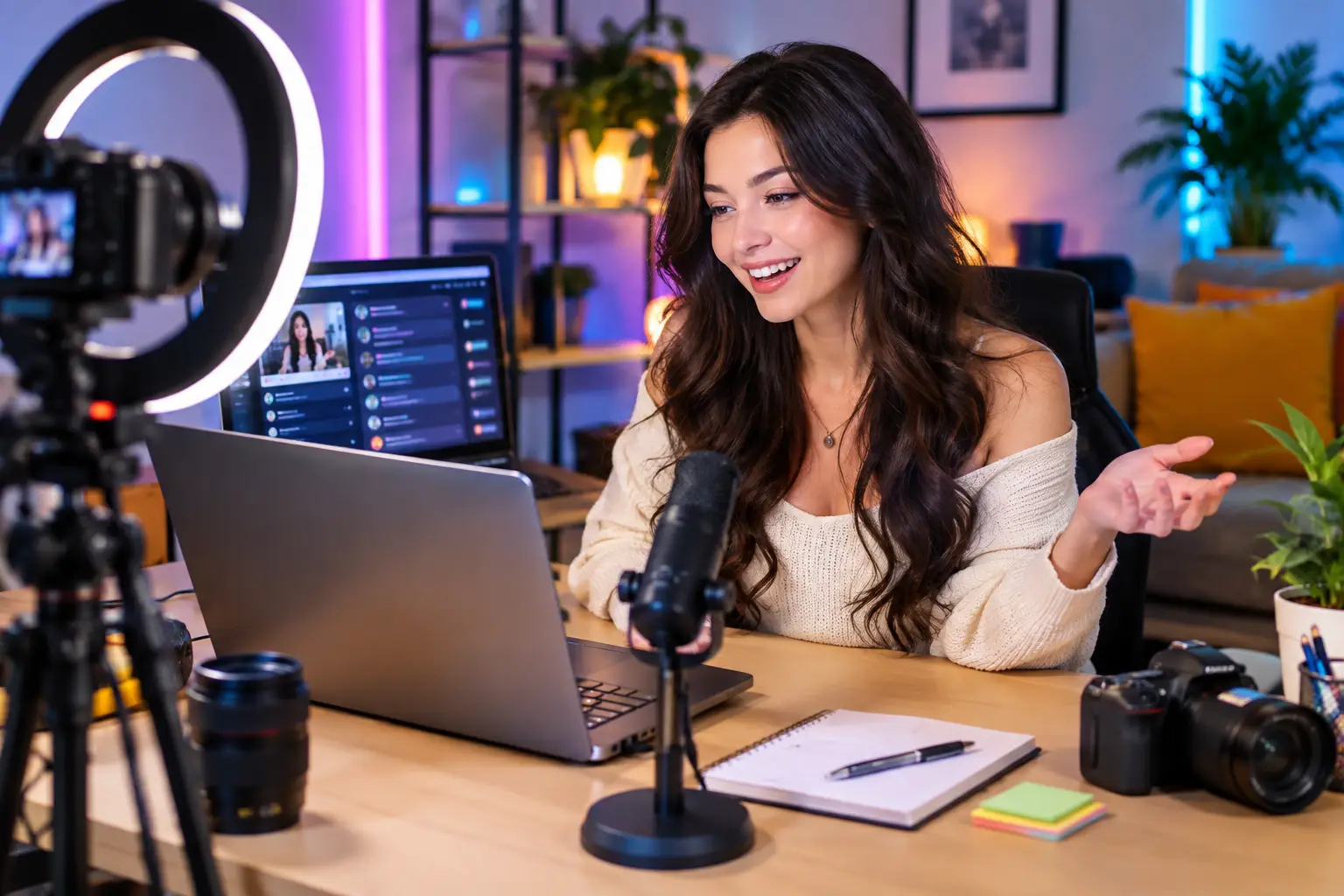
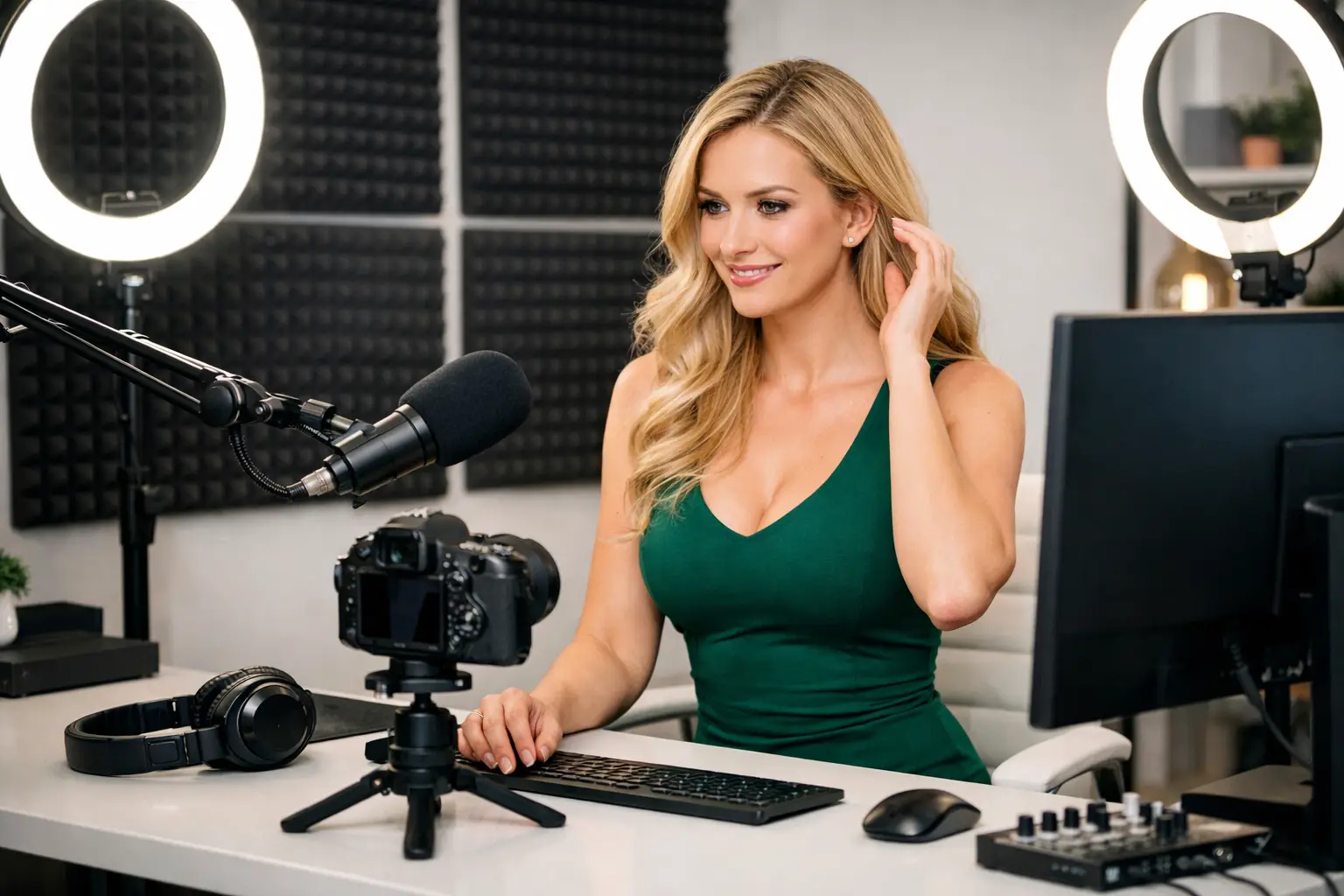
Before every broadcast, look at your screen as if you were a stranger trying to work out where you live. Keep the space simple and deliberate. A plain wall, curtain, backdrop or carefully styled corner gives you more control than a room filled with personal items. Good lighting does not need to expose your whole home. A ring light or soft lamp pointed towards you can create a polished look while keeping the rest of the room private.
Check reflections as well. Mirrors, glossy wardrobes, television screens and windows can reveal parts of the room outside your chosen frame. If you use a laptop, close tabs, notifications and anything that could appear if you accidentally share your screen.
Sound matters too. Close windows if traffic, neighbours, children or local announcements could reveal where you are. Consider headphones for music or platform audio, and tell anyone you live with when you need uninterrupted time. You are your own boss, but a professional routine makes it easier to protect that freedom.
Keep your location off your profile
Never give out your exact town, postcode, workplace, gym, university or usual travel plans. You can still be warm and chatty without handing over identifying details. Build a fun on-camera persona, talk about broad interests and keep personal stories general.
If a viewer asks where you are from, a simple boundary works better than an over-explanation: “I keep my location private, but I’m here now.” Then move the conversation back to the show. Confident boundaries often make you look more professional, not less approachable.
Secure Your Accounts Like Income Depends on It
It does. Losing access to a cam account can interrupt your earnings, affect regular viewers and create a stressful clean-up job. Your passwords should be long, unique and never reused from personal accounts. A password manager is worth using, especially if you work across several platforms.
Turn on two-factor authentication wherever it is offered. An authenticator app is generally safer than relying only on text messages, particularly if your mobile number is linked to other personal accounts. Keep recovery codes somewhere secure and offline, not in a note labelled “passwords” on your phone.
Be careful with emails and direct messages claiming there is a problem with your account. Scammers know models are busy and may use urgency to get you to enter login details on a fake page. Do not click first and think later. Go directly to the platform through your usual route, then check whether there is genuinely an account alert.
It is also sensible to review your account settings each month. Check connected devices, payment details, stream permissions and any third-party apps. Remove access you no longer need. Privacy is not one task you tick off during setup. It is a habit that protects your work as it grows.
Set Boundaries With Viewers Early
A good room atmosphere can be friendly, flirty and highly engaging without becoming personal. Viewers may ask questions because they are making conversation, testing limits or trying to feel closer to you. You decide what information stays part of your performance and what stays yours.
Have a few prepared responses for common questions about your name, relationship status, address, off-platform contact details and future plans. When you know your answer in advance, you are less likely to share too much because you feel put on the spot.
Never feel pressured to move a conversation to a personal account, video call, private number or unapproved payment method. Keeping activity on the platform protects your privacy and helps protect your earnings. It also gives you reporting and moderation tools if someone becomes abusive, manipulative or persistent.
Block and report behaviour that crosses the line. You do not need to win an argument with a difficult viewer, explain your boundaries five times or tolerate threats for the sake of a sale. Your attention is valuable. Give it to the customers who respect your rules and enjoy your content.
Use Platform Privacy Tools Properly
Most established webcam sites provide options that help models control who can watch and where they can view from. These can include country or region blocking, banned-user lists, private show settings, password-protected sessions and limits on who can message you.
Geo-blocking can be useful if you are concerned about people in your local area finding you. It is not a magic shield – viewers can sometimes use tools that change their apparent location – but it reduces exposure and is a sensible precaution for many UK models. Whether you use it depends on your comfort level and earning strategy. Blocking more regions can reduce potential traffic, while leaving everything open may not suit your personal boundaries.
Watermarking can add another layer of protection. A discreet watermark with your cam name makes it clearer that content belongs to you and can discourage casual theft. It will not stop every screenshot or recording, so be realistic: anything shown online can potentially be copied. The goal is to reduce risk, make misuse easier to identify and avoid sharing material you would never want attached to your public identity.
Separate Your Work Life From Your Personal Life
The models who last in this industry usually build systems, not just profiles. Set working hours, use a separate browser profile for work and keep your personal social media locked down. Search your cam name and your real name occasionally to see what is visible publicly. If you find an old account linking the two, update or remove it.
Tell only the people you genuinely need to tell. Some models work openly, while others keep camming entirely private from friends, family or colleagues. There is no single right choice. What matters is choosing the level of privacy that lets you work confidently and sustainably.
If you live with others, agree on practical rules around filming areas, noise, visitors and shared Wi-Fi. A private room with a lock is ideal, but if that is not possible, schedule your work for times when you can control the space. Your home setup should support your earnings, not create daily anxiety.
Get Support Before a Small Issue Becomes a Big One
New models should not have to figure out privacy settings, profile setup and difficult viewer behaviour alone. Hands-on support can make a major difference when you are learning how each platform works and what choices fit your goals.
At Strictly Models, privacy should be part of the conversation from onboarding onwards, alongside training, profile support and earning strategy. Ask questions early. Check a setting twice. Get advice before giving a viewer an answer you may regret later. That is not hesitation – it is how you protect a business you are building for yourself.
Your privacy boundaries do not limit your potential. They give you the confidence to show up consistently, stay in control and earn on your own terms.