How to Prepare for Your First Webcam Show
Your first live session is not about getting everything perfect. It is about showing up prepared, in control and ready to give viewers a reason to come back. When you prepare for your first webcam show properly, you remove the panic that makes beginners freeze on camera and replace it with a simple plan you can repeat.
You do not need a huge house, expensive equipment or experience in front of a camera to start. You need a private space, clear boundaries, reliable tech and the confidence to treat your time online like a business. You are the boss, so set the rules from day one.
How to Prepare for Your First Webcam Show
Before you switch on the camera, get clear on one thing: your show should feel like you. Trying to copy another model usually looks forced, and viewers notice. Your style might be chatty, playful, glamorous, relaxed, bold or more low-key. There is an audience for different personalities, but consistency is what helps turn first-time viewers into regulars.
Think about the experience you want people to have when they enter your room. Choose a simple theme or mood, decide how you want to introduce yourself and have a few easy conversation starters ready. The first few minutes can feel quiet on a new account. That is normal. A friendly welcome, eye contact with the camera and genuine conversation create a much stronger start than sitting silently waiting for someone else to lead.
Set your boundaries before you go live
The biggest confidence boost comes from knowing exactly what you are and are not comfortable doing. Decide your limits in advance, rather than trying to make decisions under pressure in a live room. You are never required to do anything that makes you uncomfortable, no matter what a viewer says or offers.
Write down your personal rules before your first session. Consider the types of chat you welcome, the requests you will decline, whether you will use your real name, and what information about your personal life stays private. Keep your work identity separate from your offline identity if that feels right for you.
Be firm without turning every refusal into an argument. A short, calm response is enough: “That is not something I do, but thanks for understanding.” Then move the conversation on. Viewers who respect your boundaries are the ones worth building a regular audience around.
You should also know how to use the platform’s block, mute and report tools before you start. Do not wait until someone is making you uncomfortable to find out where they are. Good moderation is part of running your room professionally.
Create a private, camera-ready space
Your setting does not need to look like a studio, but it must look intentional. Choose a room where you can close the door, avoid interruptions and work without worrying that somebody will walk in. If you share a flat or live with family, agree your working hours first and use a clear signal that you must not be disturbed.
Check what appears in the background. Remove post, paperwork, photos, school uniforms, work badges and anything that reveals your address, workplace or personal details. A plain wall, tidy bed area, curtain or simple backdrop works well. The focus should stay on you.
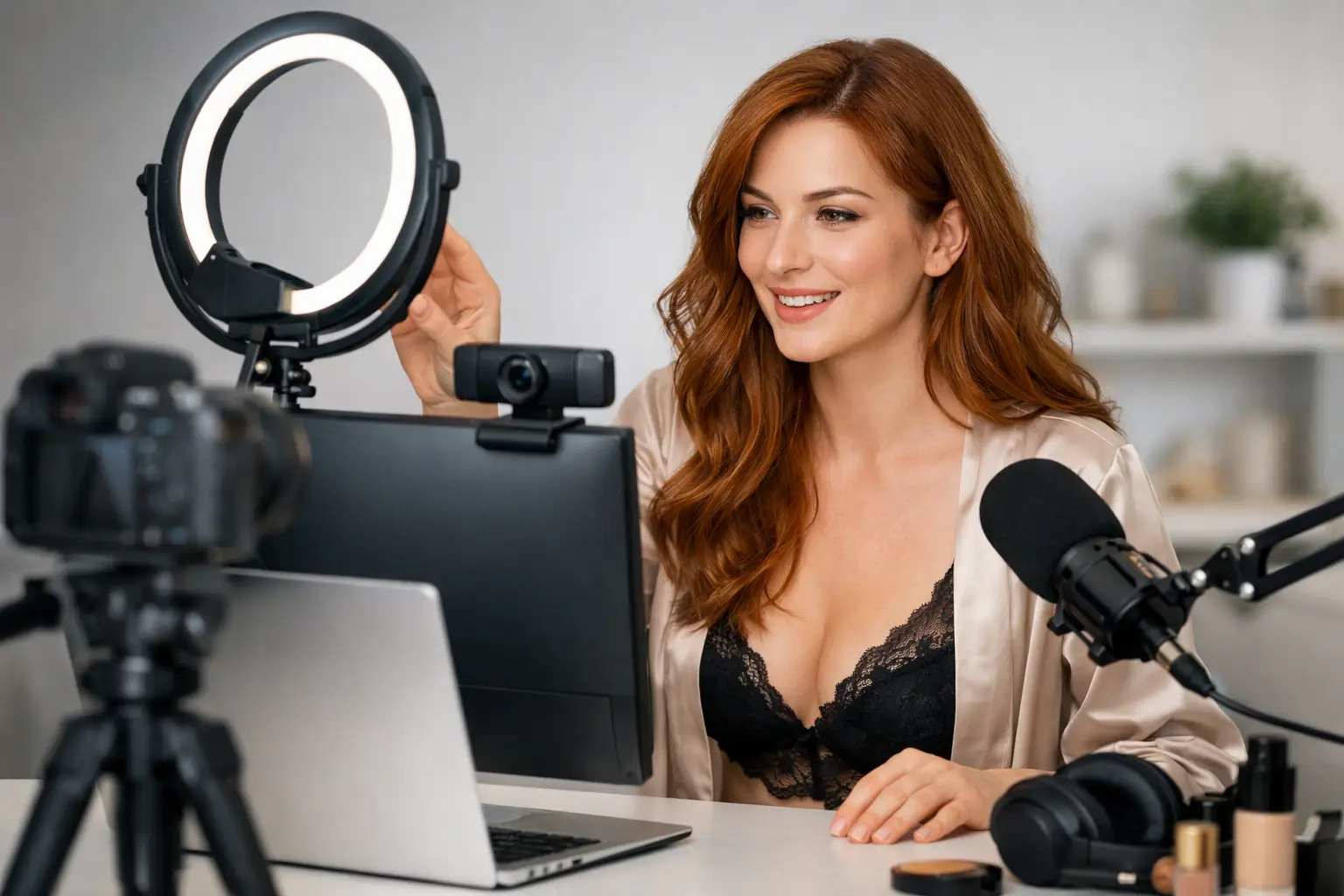
Lighting makes a bigger difference than most beginners expect. Put a lamp or ring light in front of you, slightly above eye level, rather than relying on a ceiling light behind you. Front lighting makes your face clear and helps the room look warmer. Do a test recording and watch it back before your first session. If the picture is grainy, too dark or overly bright, adjust it now.
Wear something you feel confident in and can move comfortably in. The goal is not to buy a whole new wardrobe on day one. Start with a clean, flattering look that suits your chosen on-camera personality. Looking uncomfortable will affect your confidence, so choose something that makes you feel ready to earn.
Sort your tech before it costs you money
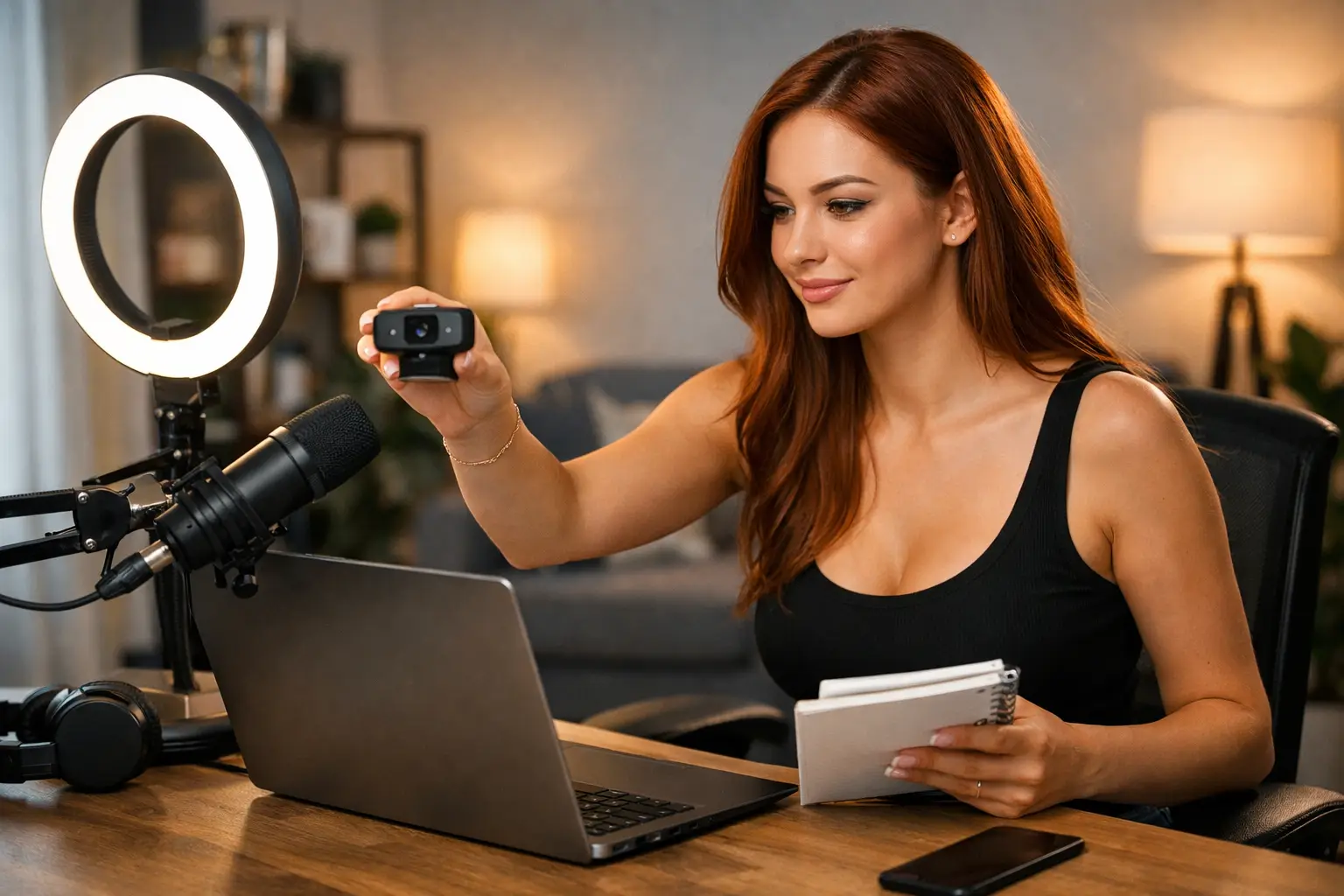
A frozen screen, echoing microphone or weak internet connection can end a promising first show quickly. Test everything before you plan to work. A laptop or desktop with a dependable webcam is often easier to manage than a phone, although your setup depends on the platform you use and the quality of your equipment.
Use the strongest stable internet connection available. If possible, connect directly to your router with an Ethernet cable rather than relying only on Wi-Fi. Close downloads, games, streaming services and unnecessary browser tabs before you go live. Ask anyone else in your home not to run heavy downloads while you are working.
Test your sound as carefully as your video. Viewers will forgive a basic background more readily than they will forgive a crackly microphone or constant noise from outside. Turn off notifications on every device near you. A message preview with your real name or private information is not something you want appearing on screen.
Keep a charger, glass of water, lip balm and any approved work essentials within reach. Small interruptions break your flow. The easier you make the practical side, the more attention you can give your viewers.
Protect your privacy from the beginning
Privacy is not an afterthought. It is part of your setup. Create a separate email address for cam work, use a stage name if you prefer one and avoid sharing your personal social media, phone number, location or daily routine. Do not show windows, street views or identifiable landmarks on camera.
Use strong, unique passwords and two-factor authentication wherever it is available. Keep your work accounts separate from your personal accounts, including payment and email access where possible. It is also sensible to check your profile, room settings and payment details carefully before your first broadcast.
Only work through reputable, age-verified platforms and agencies. You must be 18 or over to work as a webcam model in the UK, and identity verification is a normal part of joining legitimate networks. It protects platforms, performers and customers. Be wary of anyone promising instant access with no checks, asking for upfront payments, or pushing you to communicate and take payment away from the platform.
Plan a first show that feels manageable
Do not put pressure on yourself to stay online for six hours on your first day. A focused, planned session is better than exhausting yourself and deciding the job is not for you. Choose a time when you can be fully present, with no appointments immediately afterwards and no fear of being interrupted.
Aim to give yourself enough time to settle in. Start with a realistic session length, then review what worked. You may find you are at your best in the morning, late evening or after your day job. One of the biggest advantages of webcam work is flexibility, but a regular schedule makes it easier for returning viewers to find you.
Have a simple opening routine. Check your camera angle, lighting, sound, profile and connection. Take a breath, smile and welcome people as they arrive. If chat is slow, do not assume you are failing. New models need time to be discovered. Stay engaged, talk naturally and give people a reason to remain in the room.
Avoid focusing only on viewer numbers. Your first show is also market research. Notice which conversations feel easy, what times attract more traffic and which parts of your presentation make you feel most confident. Those details help you shape a better, more profitable routine.
Treat your earnings like a business
Webcam modelling can offer real flexibility and strong earning potential, but income is not automatic. Your results depend on consistency, audience building, availability, presentation and the platform support behind you. Some weeks will be stronger than others, particularly while you are learning what works for your room.
Track your hours, earnings and any work-related costs from the start. Keep records for tax purposes and put money aside so you are not caught out later. This is your business, even if it begins as a side hustle around university, parenting or another job.
Support can make the early stages far less stressful. Strictly Models offers one-to-one support, onboarding help and training for UK models who want help with profile setup, platform access and building a working routine. The right support means you spend less time stuck on admin and more time developing your confidence on camera.
Your first webcam show is simply your starting line. Prepare your space, protect your privacy, set firm boundaries and go live with a plan. You do not need to be perfect to begin – you just need to be prepared enough to take control of the opportunity.