Five Camming Privacy Tools for Safer Shows
The five camming privacy tools below are not extras for later. They are part of setting yourself up properly before your first show. Camming gives you freedom to work from home, choose your hours and build serious income on your terms, but your personal life must stay personal. A few smart boundaries can protect your identity, reduce unwanted contact and help you perform with more confidence.
Privacy is not about being scared to earn. It is about staying in control while you earn. You decide what fans see, what name you use and where your work stops.
Five camming privacy tools to set up first
1. A separate creator email address
Never run your cam career through the same email address you use for your bank, GP surgery, children’s school or personal social media. Create a fresh email account purely for your webcam work, using a stage name rather than your legal name where possible.
This gives you a clean line between business and real life. Use it for platform log-ins, creator enquiries, payment-related messages and professional social accounts. It also makes your inbox far easier to manage once you are receiving notifications from several platforms.
Choose a strong, unique password and add two-factor authentication straight away. Do not use security questions with answers a viewer could find from your public Facebook or Instagram. Your pet’s name, old school and hometown are not private if they have ever appeared online.
2. A password manager and authenticator app
A reused password is one of the quickest ways to turn a small problem into a major one. If one old account is breached, someone may try the same email and password combination across every service you use. That can include your cam accounts, private email and social media.
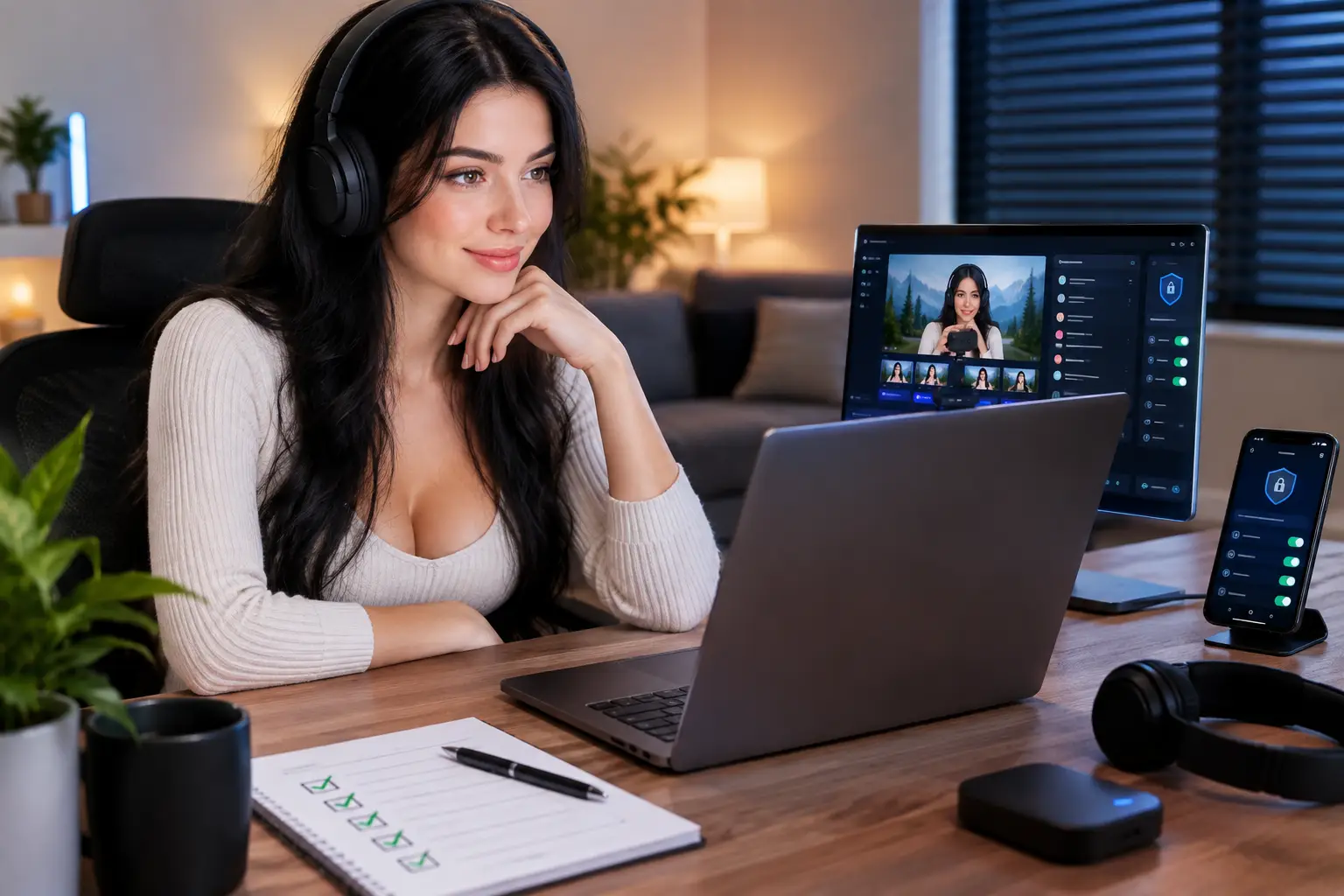
A reputable password manager creates long, different passwords for every account and stores them securely, so you do not need to memorise a page of random characters. Pair it with an authenticator app for two-factor authentication. A password alone is no longer enough protection for an account connected to your earnings.
Set this up for your cam platform, email, payout service, social accounts and cloud storage. Keep your recovery codes somewhere safe offline, not in a screenshot gallery on the mobile phone you carry everywhere.
There is one rule worth remembering: no legitimate platform support worker needs your password or one-time login code. If someone asks for either, stop and check through official support channels.
3. A dedicated browser profile
Using the same browser for everything can accidentally connect your creator work with your personal digital footprint. Saved log-ins, autofill details, browsing history and extensions can all reveal more than you intended.
Create a separate browser profile just for camming. Give it your stage name, use your creator email, and only log in to work-related accounts there. Keep your personal profile for shopping, family emails, banking and private social media. It is a simple separation, but it makes mistakes far less likely when you are rushing to start a show.
Turn off unnecessary browser sync on your work profile. You do not need every personal bookmark, saved address or password travelling across devices. Check autofill settings too, especially if you have ever used your real name and home address for online orders.
If you share a household computer, a separate password-protected user account is even better. Your work deserves its own space.
4. A VPN that your platform permits
Your internet connection can reveal your approximate location through its IP address. A virtual private network, usually called a VPN, can add a valuable layer of privacy by masking that address from sites and services you use.
However, this is where common sense matters. Some webcam platforms have specific rules about VPN use, account access and country verification. Always check the platform’s policy before switching one on. Use a VPN for privacy, not to pretend you are in a different country, bypass verification or interfere with payment checks. Trying to beat a platform’s systems can put your account and earnings at risk.
Choose a trusted paid provider rather than relying on a random free service. Free tools may come with limited security, slow connections or data practices that defeat the reason you downloaded one in the first place. Test your stream quality before a paid show as a VPN can sometimes affect speed.
A VPN is useful, but it is not a magic invisibility cloak. It cannot fix a visible street sign, a reflected address label or a personal detail you mention on camera. Your set-up and your habits still matter.
5. Metadata removal and image checks
Photos can contain hidden information known as metadata. Depending on the device and settings, that information may include the date a photo was taken, the phone model and sometimes location data. Before uploading promotional images, profile photographs or content for sale, remove metadata and check the image closely.
Most phones allow you to switch off location tagging in camera settings. Do that before creating content. For images already taken, use a reputable metadata-removal tool or export a clean copy before uploading. Make this part of your posting routine, not something you remember only after content has gone live.
Then look at the photo as a fan would. Check mirrors, windows, packaging, post on the table, certificates on a wall and distinctive views outside. A blurred background is helpful, but it will not hide everything. Keep your filming area neutral and remove anything that identifies your town, workplace, family or daily routine.
Privacy tools work best with firm show rules
The tools help, but your boundaries are what make privacy stick. Choose a stage name you will use consistently and avoid giving fans details that can be pieced together over time. You do not need to share your surname, exact age, local area, workplace, child’s name or plans for the evening to create a strong connection with viewers.
Be especially careful with casual chat. Most privacy slips do not happen because someone hacks a device. They happen when a model is relaxed, tired or trying to keep a conversation moving. Prepare a few easy responses in advance. If someone asks where you live, say you keep your location private. If they ask what you do away from camming, redirect to the show. Confident boundaries look professional, not rude.
Use platform features such as location blocking, username filters and moderation controls whenever they are available. They are not guaranteed to block every unwanted viewer, but they add another barrier and reduce the chance of your content reaching people in places you would rather avoid.
Do not take payments, private calls or direct messages off-platform just because a viewer promises more money. That is where payment disputes, chargebacks, pressure and doxxing risks often increase. Keeping business on approved systems protects your income as well as your identity.
Build privacy into your earning routine
A proper privacy routine does not need to slow you down. It should make work feel cleaner. Before you go live, check your background, close personal tabs, confirm your creator account is logged in and make sure your camera is framed exactly where you want it. After your show, log out of accounts on shared devices and review any new messages with your boundaries in mind.
If you are new, get your privacy set-up right before concentrating on promotion and bigger earning targets. Strictly Models supports adult creators with practical guidance, but the strongest foundation is still your own clear system from day one.
Your time, your image and your earning potential have value. Protect them with the same confidence you bring to every show.