
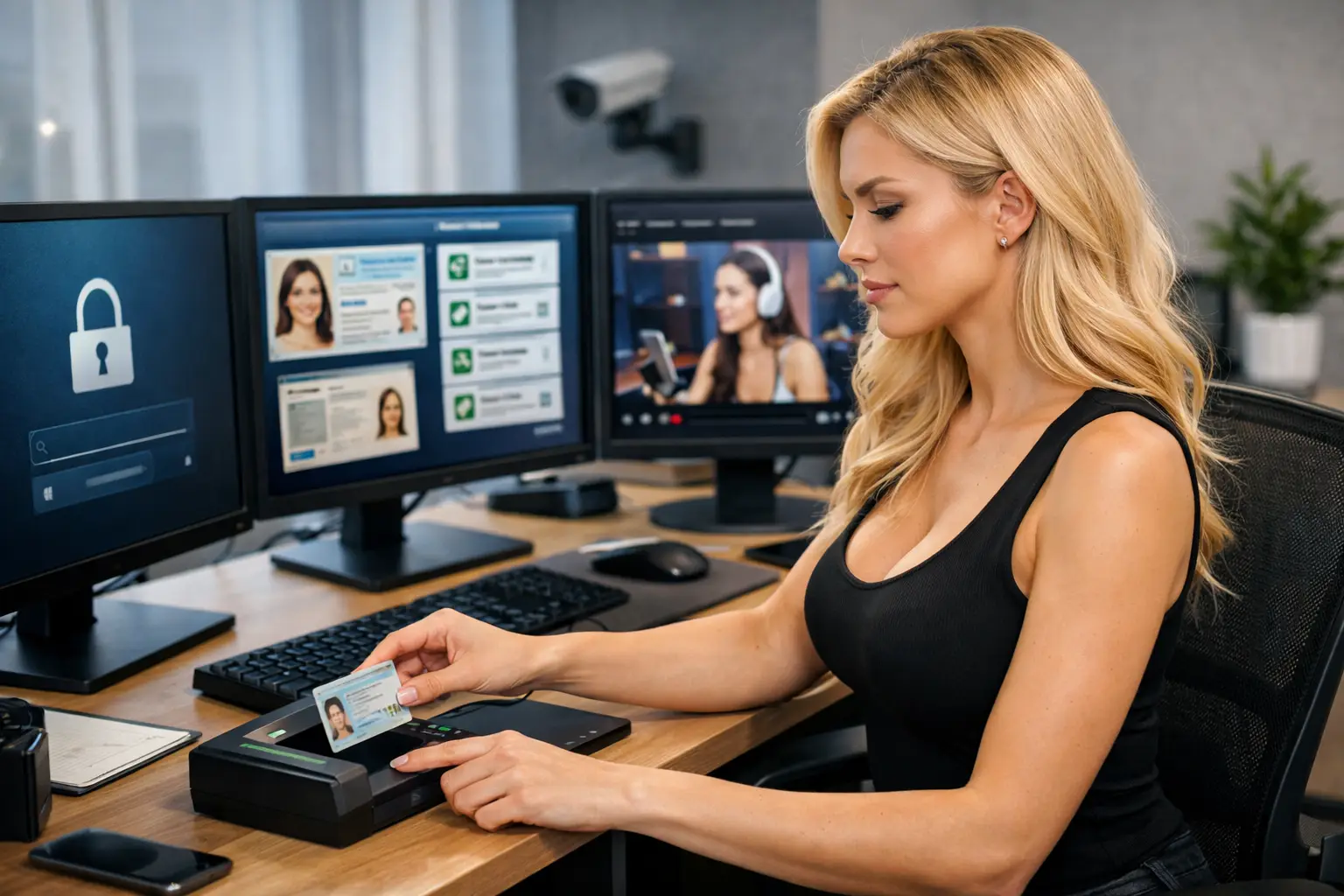
How to Verify Identity for Cam Platforms
A rejected ID check can stop your first stream before you have even had the chance to earn. The good news is that learning how to verify identity for cam platforms is usually straightforward. Get your documents right, take clear images and make sure every detail matches. Then you can move on to what matters – building your profile, going live and getting paid.
Identity verification is not a pointless hurdle. Reputable adult platforms must confirm that every creator is a real person, is aged 18 or over and has the legal right to work on the platform. It protects you, the platform and the people paying to watch your content.
Why Cam Platforms Ask for Identity Verification
Webcam sites handle adult content, payments and personal data. That means they have a legal and commercial responsibility to know exactly who is creating content and receiving money. Age verification is the first reason. No legitimate platform can allow anyone under 18 to perform, upload content or receive earnings.
Verification also helps prevent identity fraud, stolen accounts and payment problems. If somebody uses another person’s documents, or if account details do not line up with the person on camera, the platform may freeze the account while it investigates. That can delay your first payment and create a lot of unnecessary stress.
For genuine models, the process is a positive sign. It means the site takes compliance seriously and works to remove fake accounts. You are building an income stream, not taking a shortcut on an unregulated site.
What You Usually Need to Verify Your Identity for Cam Platforms
Requirements differ slightly between networks, but most ask for the same core information. Have it ready before you start your application, rather than scrambling for documents halfway through.
You will normally need a valid government-issued photo ID, such as a passport, UK driving licence or national identity card. The document must be current, undamaged and show your full name, date of birth and photograph clearly. Many platforms also require a live selfie or short video check to prove that the person applying is the person shown on the ID.
Payment details matter too. Your bank account or chosen payment method should be in your legal name. Using a partner’s bank account, a nickname or mismatched details may trigger a review. If you work as a couple, each person who appears on camera must usually complete their own verification. Do not assume one person’s approval covers both of you.
Some platforms ask for proof of address, particularly where payment rules or tax checks apply. A recent bank statement, council tax bill or utility bill may be accepted, but follow the exact instructions shown on the platform. Sending extra documents that were not requested does not always speed things up.
Get Your Documents Approved First Time
Most failed submissions are not complicated. They come down to blurry photographs, cropped corners, glare, expired documents or details that do not match. A few careful minutes can save days of back-and-forth.
Use your phone’s rear camera where possible and take the photo in bright, natural light. Put the ID on a plain, dark surface. Make sure all four corners are visible, the text is readable and there is no flash reflecting across the photo or security hologram. Do not use filters, screenshots, scans with heavy edits or images downloaded from another device.
When a platform asks for a selfie, remove sunglasses, hats and anything covering your face. Look directly at the camera and follow the prompt precisely. If it asks you to hold your ID beside your face, make sure both your face and the document can be read. Rushing a live check is one of the fastest ways to create a rejection.
Before submitting, compare every detail. Your name on your ID, profile, payment account and tax information should match. Small differences can matter. For example, a profile registered as “Katie Smith” and a bank account registered as “Katherine Jane Smith” may be fine, but it can still require manual review. If you have changed your name recently, use the documents requested to show the link between your old and new name.
A Fast Pre-Submission Check
Run through these five points before you upload anything:
- You are 18 or over and your ID has not expired.
- Every edge of the ID is visible and the image is sharp.
- Your profile name and payment details match your legal identity.
- Your selfie clearly shows your face without filters or coverings.
- Every person appearing in your paid content has completed the required verification.
That last point matters more than many new creators realise. Never feature a friend, partner or guest in a stream, clip or photo unless the platform has approved their documentation first. Even a brief appearance can lead to content removal, withheld earnings or account closure.
Protecting Your Privacy During Verification
Handing over ID can feel personal, especially when you are new to camming. You are right to take your privacy seriously. Only submit documents through the official platform dashboard or a trusted onboarding route provided by the agency managing your application. Do not send passport photographs through random social media accounts, public chat groups or unofficial email addresses.
Check that you are using the correct website before logging in. Look closely at the spelling of the web address and avoid clicking verification requests from unknown messages. Scammers often copy the language of popular cam sites to collect IDs from people who are keen to get started quickly.
A reputable platform will explain why it needs your information and request only what is necessary for compliance, payment and account security. Your public model profile should not display your legal name, home address or ID document. Verification information is used behind the scenes, while your stage name and personal boundaries remain yours to control.
It is sensible to use a separate creator email address and strong, unique password for your work accounts. Turn on two-factor authentication if the platform offers it. Identity checks protect your account at the start; good security habits help protect your earnings afterwards.
What to Do If Your Verification Is Rejected
Do not keep uploading the same poor image and hope for a different result. Read the rejection message first. It may tell you whether the problem was image quality, an expired document, a name mismatch or an unsuccessful selfie check.
If the image was unclear, retake it in better light and submit a fresh photo. If your details differ because of marriage, a deed poll or an old bank account, contact support and ask what evidence they need. Keep your message short, factual and polite. The quicker they can see the issue, the quicker they can resolve it.
A rejection does not automatically mean you cannot work on the platform. It often means the automated system could not confidently read the document. Manual reviews can take longer, especially over weekends or during busy periods, so get the basics right before submitting.
If you are joining through an agency, use the support available. A hands-on team can spot common application mistakes, help you prepare the right documents and explain what the platform is asking for. That is far better than losing momentum because you are trying to decode an approval email alone.
Verification Is Part of Building a Proper Income
It may not be the glamorous part of webcam work, but approval is the point where your creator account becomes real. Once your identity, payment details and profile are in order, you can focus your energy on your schedule, your content and your income rather than chasing account problems.
Treat verification like you would treat setting up a bank account for a business: be accurate, protect your information and do it properly once. A clean approval gives you a stronger start, more confidence when you go live and fewer obstacles between you and your next payout.