Adult Streaming Equipment That Pays for Itself
A blurred picture, harsh ceiling light and unreliable Wi-Fi can cost more than a decent setup ever will. The right adult streaming equipment helps you look professional, keep viewers engaged and show up consistently when you are ready to earn. You do not need a studio full of expensive kit to start. You need a smart setup that works every time you go live.
The goal is simple: create a private, flattering space with clear video, clean sound and a connection that does not let you down. Start with the essentials, earn from them, then upgrade where it makes a real difference.
The adult streaming equipment worth buying first
Your first purchases should solve the problems viewers notice immediately: poor image quality, bad lighting, distracting audio and dropped streams. A strong setup is not about buying the most expensive item in every category. It is about making your room look intentional and your stream feel reliable.
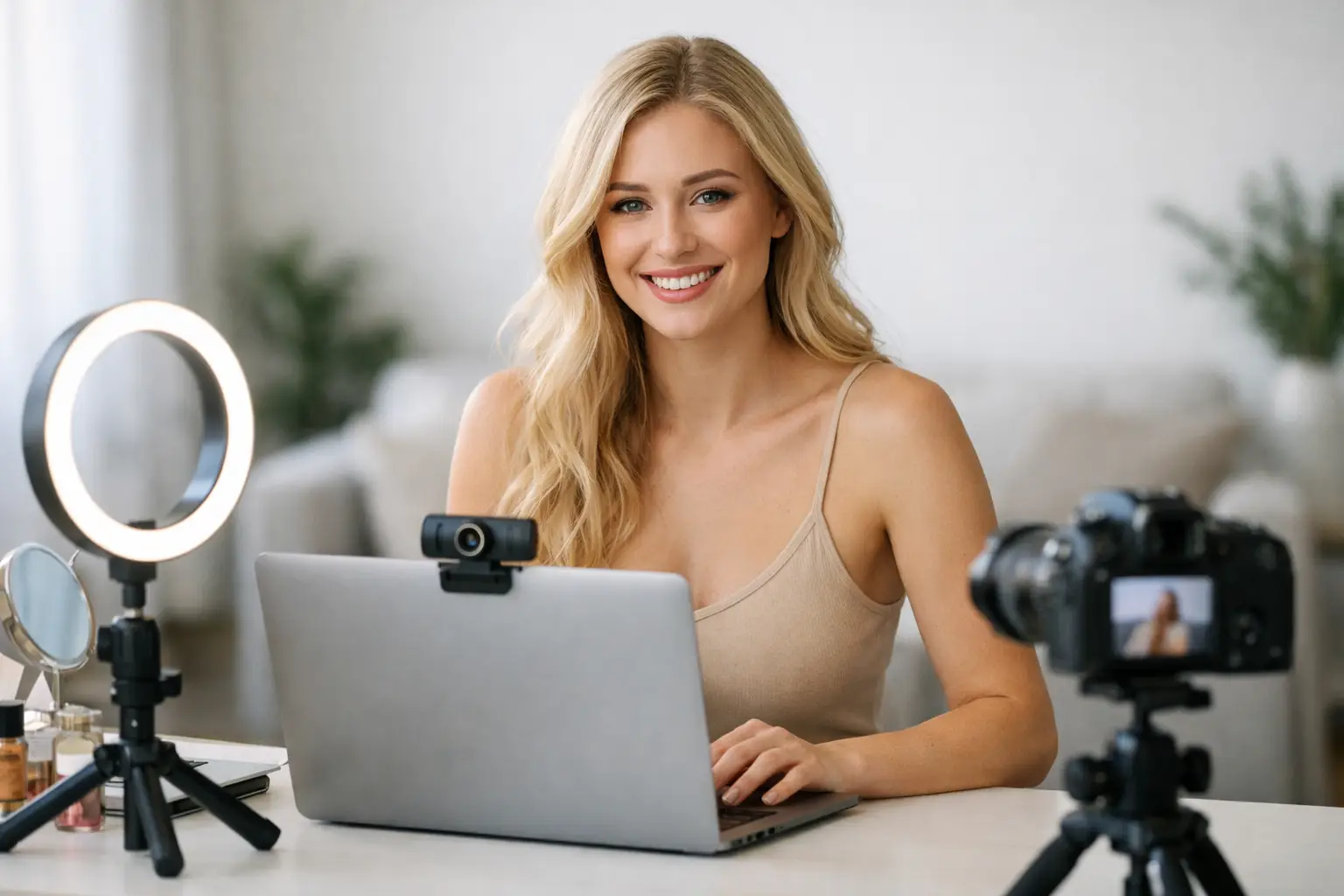
A modern smartphone can be enough to get moving, particularly if its rear camera records in high definition. However, a dedicated 1080p webcam is often the easier long-term option. It sits where you need it, works with most streaming software and lets you keep your phone free. Look for reliable autofocus, good low-light performance and a wide enough field of view for the type of content you plan to create.
Do not rush to 4K just because it sounds better. Higher resolution can place more pressure on your internet connection and computer, while many viewers will be watching on a phone. A sharp, well-lit 1080p stream usually beats a poorly lit 4K one every time.
Lighting is where new models can make the fastest visible improvement. A ring light is affordable and easy to position, but it can create a flat look if it is your only light source. A soft LED panel positioned slightly above and in front of you tends to give a more polished result. Add a second, lower-powered light on the other side if shadows are too strong.
Choose adjustable lights where possible. Being able to control brightness and warmth means you can suit your skin tone, room and time of day instead of fighting against harsh white light. Avoid relying on a window as your main light source. Daylight changes quickly, and nighttime streaming needs a setup that stays consistent.
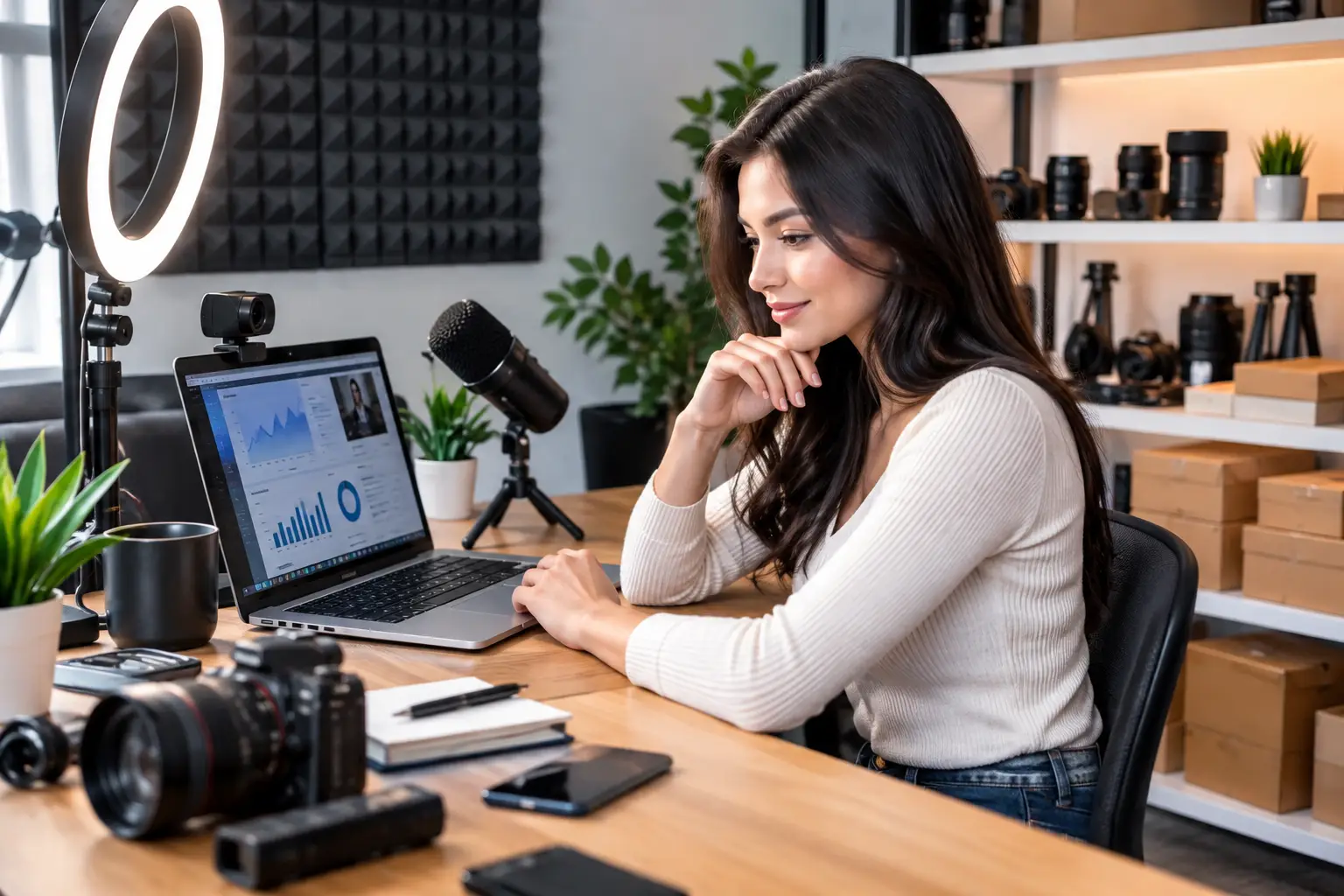
Audio matters more than many beginners expect. Viewers may tolerate a slightly softer image, but they will leave if they can hear traffic, housemates, computer fans or an echoing room. A USB microphone is an excellent step up from a built-in laptop mic. Position it close enough to pick up your voice clearly, but out of shot if that suits your presentation.
Headphones are useful too. They prevent sound from feeding back into the microphone and give you a better sense of what your viewers are hearing. If you are sharing a home, they also help keep your work private.
Build a streaming space that feels premium
Your background is part of your brand. It does not need to be huge or expensive, but it should look clean, deliberate and free from anything that reveals more about your home than you want to share. A tidy corner, a plain backdrop, a curtain or a folding room divider can transform an ordinary room into a work space.
Think about what is in frame before every stream. Remove post, family photographs, work documents, medication labels, school items and anything that identifies your address or routine. This is not about being paranoid. It is professional boundary setting, and it should be built into your setup from day one.
A small tripod or stable desk mount is essential if you use a phone. Shaky video looks amateur and makes it harder to frame your shot consistently. Pick a position, test it, then mark where your chair, camera and lights sit. The less setup time you need before going live, the easier it is to stream regularly.
A comfortable chair is also a business investment. Long sessions can affect your posture, energy and confidence on camera. Choose something supportive that does not creak or roll around unexpectedly. It is a less glamorous purchase than lighting, but you will feel the difference.
Your internet connection is part of your income
A great camera cannot rescue a stream that keeps freezing. Before investing heavily in adult streaming equipment, test your upload speed in the exact room where you will work. Upload speed is the number that matters most for broadcasting live, not the headline download speed quoted by your provider.
Whenever possible, use a wired Ethernet connection rather than Wi-Fi. It is normally more stable, particularly in busy households or flats where several people are online. If running a cable is not practical, place your computer close to the router, keep other devices off the network during streams and test at the time you expect to work.
Have a backup plan. A mobile data connection can save a session if broadband fails, but test it before you depend on it and keep an eye on data limits. Reliability builds viewer trust. If people know you are regularly online at the times you advertise, they are far more likely to return.
Do not forget the computer behind the camera
Your laptop or desktop has to handle video, browser tabs, chat, streaming tools and potentially multiple platforms at once. A newer machine with enough memory will make this easier, but you do not need to replace a working computer without checking what is actually slowing you down.
Close unnecessary programmes before you stream. Disable pop-up notifications, especially those that could reveal personal messages on screen. Keep your operating system, webcam drivers and security software updated, then test everything before a scheduled session rather than five minutes before you go live.
Storage is worth considering if you create promotional clips, photos or other creator content alongside live work. Use password-protected storage and organise files clearly. Separate work material from your personal camera roll, and back up the content you genuinely need to keep.
Spend in the order that improves your earnings
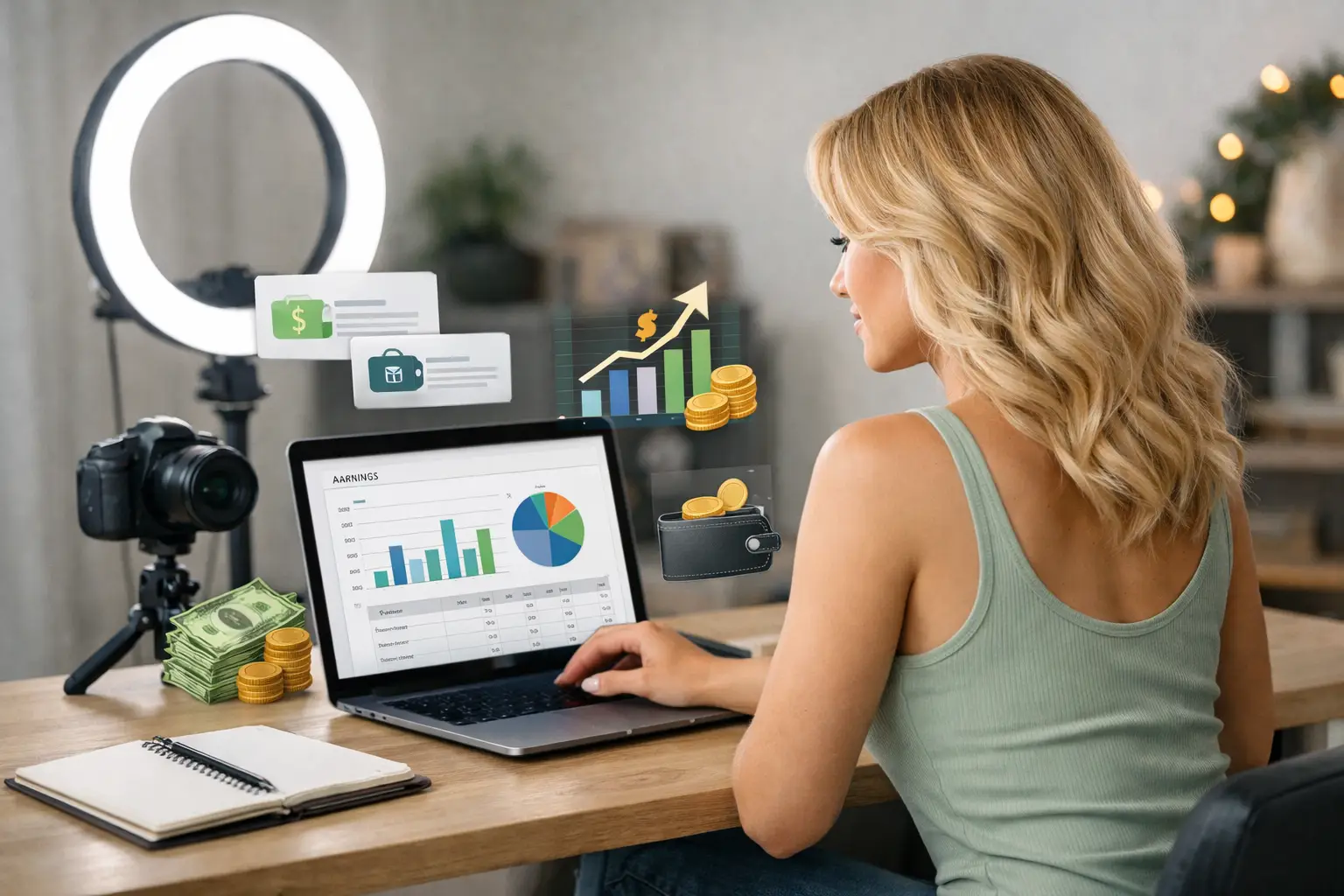
It is easy to get drawn into buying every gadget promoted online. Resist that. Your first setup should be functional, private and flattering, not overloaded. A sensible order is camera, lighting, microphone, stable connection, then comfort and background upgrades.
Once you are earning consistently, you can decide what is holding you back. Maybe your room needs a better backdrop. Maybe a second camera angle fits your content. Maybe you need faster broadband because your busiest sessions are affected by household traffic. Upgrade based on a real problem, not because someone else’s studio looks bigger.
This is where support can save you money. At Strictly Models, models can get practical guidance on setup, platform requirements and presenting themselves professionally, so they are not left guessing what actually makes a difference. The right advice helps you start faster and avoid paying for equipment you will barely use.
Protect your privacy before you press live
Professional equipment should support your boundaries, not compromise them. Create a separate email address for work, use strong unique passwords and enable two-factor authentication wherever it is offered. Never show identity documents, correspondence, windows with recognisable views or personal social media notifications on camera.
Check your camera angle carefully for mirrors and reflective surfaces. A reflection can reveal more of a room than you intended. Use a dedicated streaming profile on your computer where possible, with personal files, browser bookmarks and saved passwords kept separate.
Only work on reputable platforms that verify adults and have clear rules around consent, privacy and payments. Read their guidance before you stream, understand what content is permitted and make sure your equipment supports the standards they require. Being organised protects your account as well as your personal life.
Make your setup work around your life
The best home studio is the one you can use consistently. If you are a parent, student or working another job, a fold-away setup may be more valuable than a permanent room. A camera bag, compact lights and a backdrop that stores behind a door can let you switch from home life to work mode without taking over your space.
Test your full setup before your first proper session. Record a private sample, watch it back with sound on, and look for glare, background noise, awkward framing or internet lag. Make one improvement at a time. You are building a money-making workspace, not chasing perfection.
Start with equipment that lets you look clear, sound confident and stay in control. Then let your earnings tell you where to invest next. A professional stream is not created by the biggest budget – it is created by showing up prepared, protecting your privacy and giving viewers a reason to come back.