Best Webcam Setup for Beginners
Your first stream does not need a fancy studio. It needs a clean setup, decent lighting, clear sound and a space that makes you look confident on camera. That is the truth behind the best webcam setup for beginners. Most people waste money on the wrong gear, then wonder why they are not getting attention. Start simple, get the basics right, and your room can start working for you.
If your goal is to earn, not just experiment, think like a business from day one. Viewers notice image quality fast. They notice bad lighting even faster. But they also notice energy, confidence and presentation. A beginner setup should make you look polished without draining your budget before you have made your first pound.
What the best webcam setup for beginners really needs
A strong beginner setup has four jobs. It should make you look clear, sound clear, feel comfortable and stay reliable during long sessions. If one of those falls apart, it affects your earnings. A blurry picture can make you look less professional. Poor audio can make chat feel awkward. An uncomfortable chair or badly placed camera can ruin your confidence after an hour.
That is why the best webcam setup for beginners is not about buying the most expensive webcam on the market. It is about building a setup that works consistently. For most new models, that means a mid-range webcam, one or two light sources, a tidy background, stable internet and a private room where you can actually relax.
Start with the webcam, but do not overspend
A lot of beginners assume the webcam is everything. It matters, but it is not the whole game. A decent 1080p webcam is usually enough to start. You do not need cinema-level quality to make money. What you do need is reliable focus, smooth video and a camera that handles low light reasonably well.
If your room is dark, even a better webcam will struggle. That is why some people buy an expensive device and still look grainy. The camera can only work with the light you give it. So yes, choose a solid webcam, but do not throw your full budget at it and ignore everything else.
Position matters too. Put the camera at eye level or slightly above. Too low and the angle is unflattering. Too high and it can feel distant. Keep it stable. A wobbly monitor or stacked boxes under your laptop is not the move if you want a professional look.
Is a mobile phone good enough?
Sometimes, yes. Modern mobile phones can produce sharp video, especially in good light. If money is tight, using your mobile phone as a webcam can be a smart short-term option. The trade-off is reliability. Mobile phones overheat, battery life becomes an issue, and notifications can interrupt you if you are not careful. For testing the waters, it can work. For regular paid streaming, a dedicated webcam is usually easier.
Lighting is where beginners level up fast
Good lighting can make a basic webcam look far better than it should. Bad lighting can make a good webcam look cheap. That is why this is the part of your setup that gives the fastest visual upgrade.
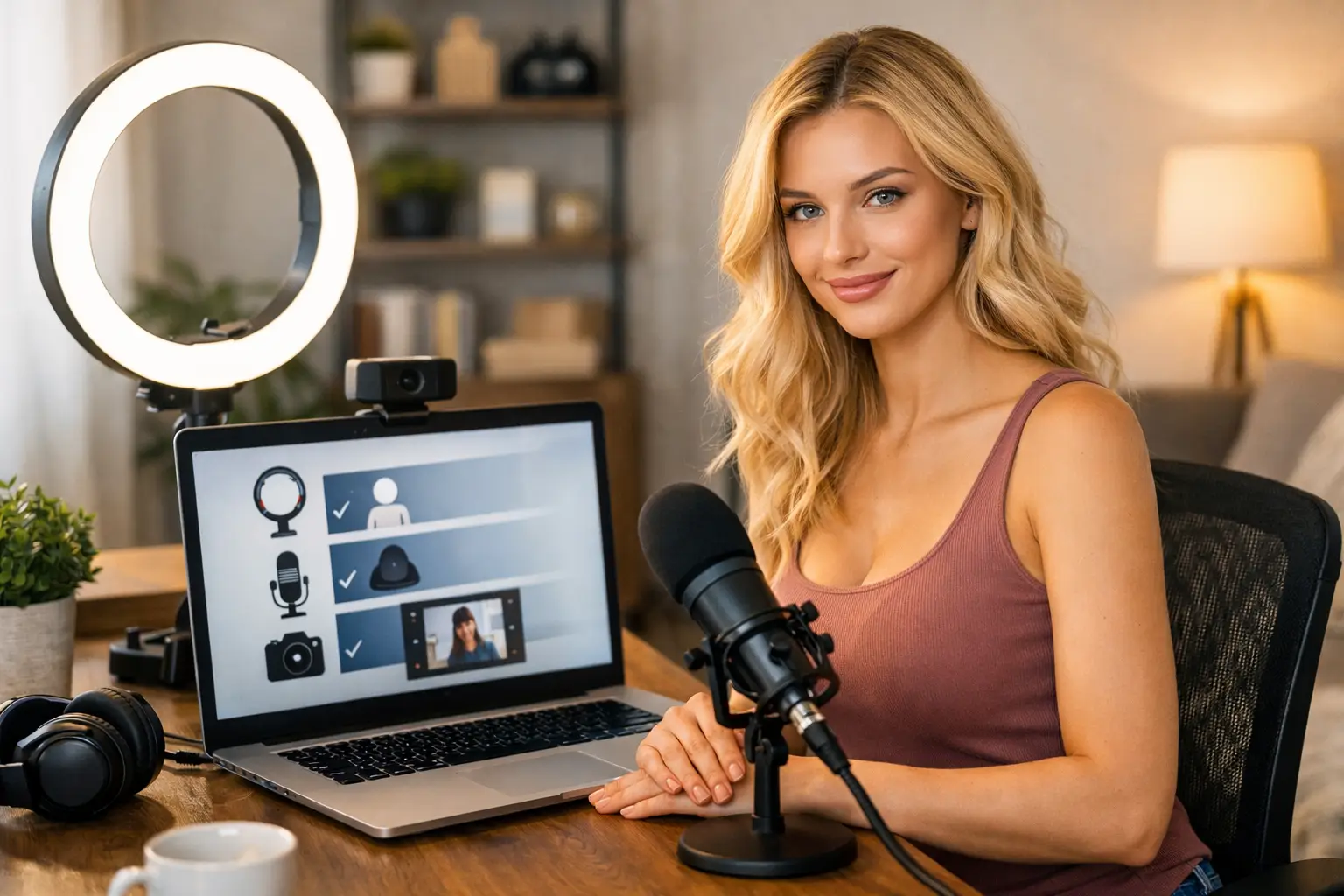
Natural daylight can work brilliantly, but only if it is consistent. In the UK, that is not always realistic. Grey afternoons, early sunsets and changing weather make natural light unreliable. If you want control, buy lighting. A ring light is the obvious beginner option because it is affordable and easy to use. Place it in front of you, not too harsh, and test the brightness. You want your skin to look even, not washed out.
Softbox lights can look better than a ring light, especially if you want a softer finish and fewer harsh reflections. They take up more room though, so they are not ideal for every flat or bedroom. If space is limited, a ring light plus a small side lamp can do the job well.
Warm lighting often feels more flattering than cold blue light, but it depends on your room and your skin tone. Test both. The goal is simple: bright, flattering, clear.
Audio matters more than most beginners think
Plenty of new models focus only on how they look. Then they go live with echo, laptop fan noise and muffled audio. That kills the vibe quickly. Viewers want to hear you properly. If they have to strain, many will just move on.
You do not need a full studio microphone to start. A simple USB mic or a good headset can improve sound massively. If you are using your webcam or laptop mic, make sure the room is as quiet as possible. Soft furnishings help. Curtains, rugs and bedding reduce echo more than bare walls and hard floors.
There is a trade-off here. A visible microphone can slightly clutter your frame. A hidden mic is cleaner visually, but might pick up less detail. For beginners, clear sound beats a perfect minimalist frame every time.
Your background should sell the right impression
Your room does not need to look expensive. It does need to look intentional. A messy background makes you look unprepared. It can also distract from you, which is the last thing you want.
Tidy the visible area properly. Remove random clutter, washing piles and anything too personal. You want privacy and a clean look. Simple décor works well. Cushions, a lamp, clean bedding, LED lights or a plain wall can all create a better atmosphere without costing much.
Think about what your background says. If it feels careless, that affects the overall impression. If it feels clean, warm and confident, viewers are more likely to stay. You are not trying to build a film set. You are creating a space that feels appealing and camera-friendly.
Privacy is part of setup too
Do not leave identifying details in view. Family photos, work documents, street names and mirrors showing too much of the room are all avoidable mistakes. Beginners often focus on appearance and forget safety. Protect your privacy from the start. It is easier to set strong habits now than fix sloppy ones later.
Internet speed can make or break your income
This is the boring part, but it matters. If your stream keeps freezing, dropping or lagging, viewers will leave. That is not a maybe. It happens fast. Stable internet is one of the most important pieces of any working setup.
Wired ethernet is better than Wi-Fi if you can manage it. If you cannot, set yourself up close to the router and avoid streaming while everyone in the house is downloading films or gaming online. Test your connection before going live, not after. A smooth stream helps you look professional even if your room is basic.
If you share your home with others, think practically. Can you stream without interruptions? Can you control noise? Can you rely on the internet at the times you want to work? The best setup is not just the one that looks good in a photo. It is the one that performs when it is time to earn.
Comfort affects confidence on camera
Most beginners underestimate how physical camming can be. If your chair is uncomfortable, your back hurts or your camera angle forces you into awkward positions, it will show on screen. You do not need luxury furniture, but you do need a setup you can stay in for more than twenty minutes.
Use a supportive chair if you are sitting. Keep essentials nearby so you are not constantly breaking the flow. Check your framing before going live. If you know you look good from that angle and the lighting is working, you will feel more confident straight away.
Confidence is not just personality. It comes from preparation. When your setup is sorted, you stop worrying about whether the camera looks bad or the room looks messy. You can focus on chatting, performing and making money.
Budget smart instead of buying everything at once
The quickest way to waste money is to panic-buy a full setup before you understand what you actually need. Start with the essentials, earn, then upgrade based on results. A good beginner budget usually goes on camera, lighting, internet reliability and basic audio. Fancy extras can wait.
There is no shame in starting lean. Plenty of successful models started with a simple room, one light and a decent webcam. What matters is how well you use what you have. Once the money starts coming in, then you can upgrade your camera, add better lighting or refine your background.
If you want support getting your profile, setup and earnings moving faster, working with an agency like Strictly Models can cut down the trial and error. That matters when your aim is to start earning quickly rather than spend weeks guessing.
A simple beginner setup that works
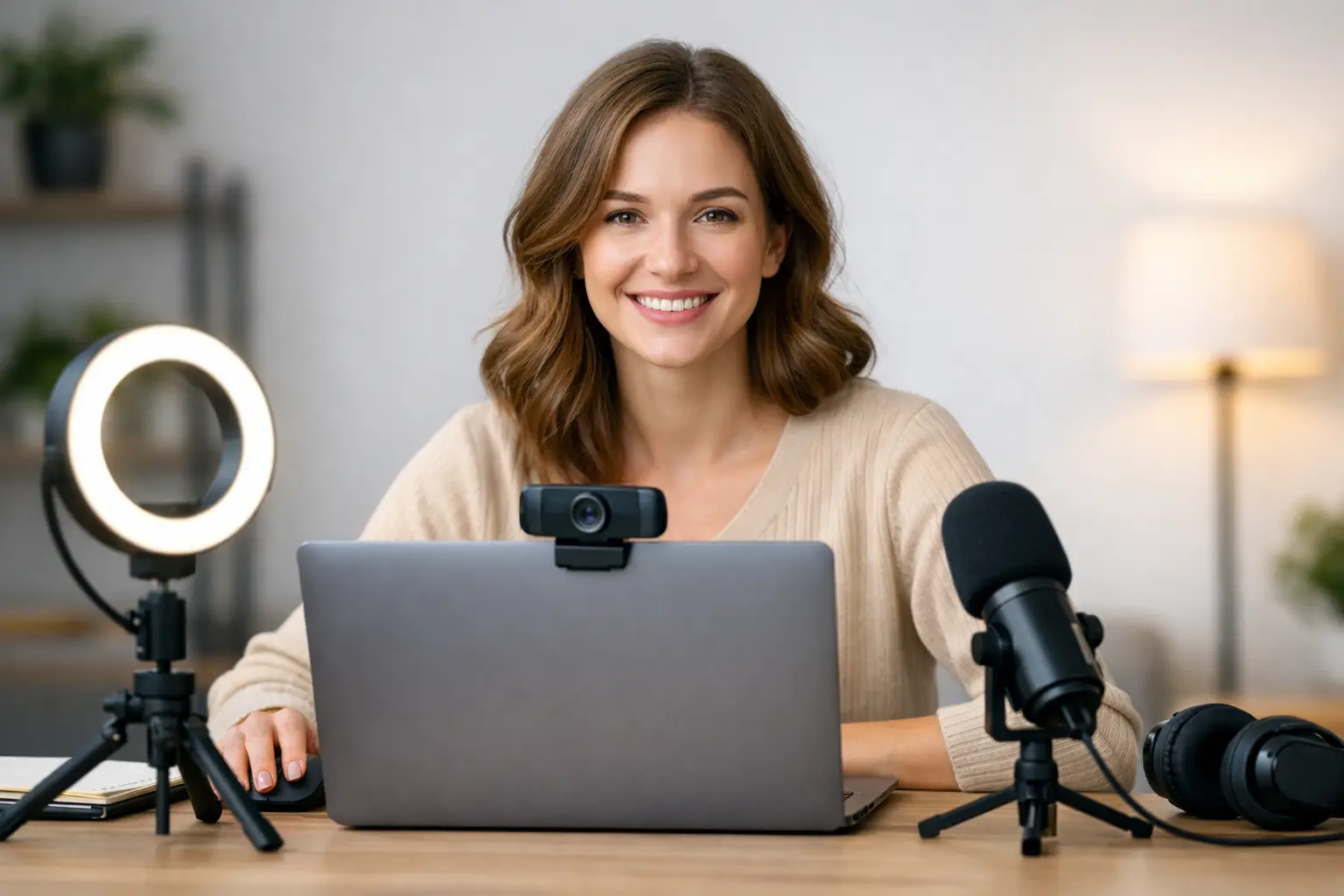
For most people, the smartest setup is straightforward: a 1080p webcam, a ring light, a tidy private room, a reliable internet connection and either a USB mic or a quiet enough space for your built-in mic to do the job. Add a clean background and a comfortable chair, and you are ready to start.
That will not be the final version of your setup, and it does not need to be. Beginners get stuck because they wait for perfection. Perfection does not pay you. A setup that is clear, flattering and reliable does.
If you are serious about camming, treat your room like your first workspace. Keep improving it as your income grows, but do not wait for a dream studio before you begin. The right beginner setup is the one that gets you online, looking good and ready to earn.