Webcam Model Equipment List That Works
Most new models waste money in the wrong place. They buy a flashy camera, ignore lighting, then wonder why the room looks dull and the stream feels flat. A smart webcam model equipment list is not about buying the most expensive gear. It is about getting a clean, attractive setup that helps you look better on screen, stream reliably and start earning sooner.
If you are starting from scratch, keep one thing in mind. Clients do not pay because your gear is impressive. They pay because your room looks appealing, your stream runs smoothly, and the whole experience feels professional. That means your equipment needs to support your income, not eat it.
Your webcam model equipment list starts with the basics
The core setup is simple. You need a camera, lighting, a stable internet connection, clear audio, a device that can handle streaming, and a background that does not look messy or distracting. That is the minimum. Everything else comes after.
This is good news if you are on a budget. You do not need a full studio on day one. In fact, many beginners earn with a modest setup because they focused on the right items first. A clean image with flattering light beats an expensive camera pointed into a dark room every time.
Camera – good enough beats overpriced
A decent webcam is enough for most new models. You do not need to jump straight to a DSLR unless you already understand settings, overheating issues and capture devices. A quality HD webcam is easier to use, faster to set up and far less stressful when you just want to get online and earn.
If your budget is tight, aim for a webcam with strong low-light performance and reliable autofocus. If your budget is bigger, then yes, a mirrorless or DSLR setup can give you a sharper, more polished look. But there is a trade-off. Better image quality usually means more cost, more setup time and more technical problems if you are inexperienced.
For most people, the smart move is to start with a strong webcam and upgrade later when your earnings justify it.
Lighting – this is where the money is
If there is one area worth taking seriously, it is lighting. Bad light makes your skin look uneven, your room look cheap and the whole stream feel amateur. Good light softens features, adds warmth and makes even a basic camera perform far better.
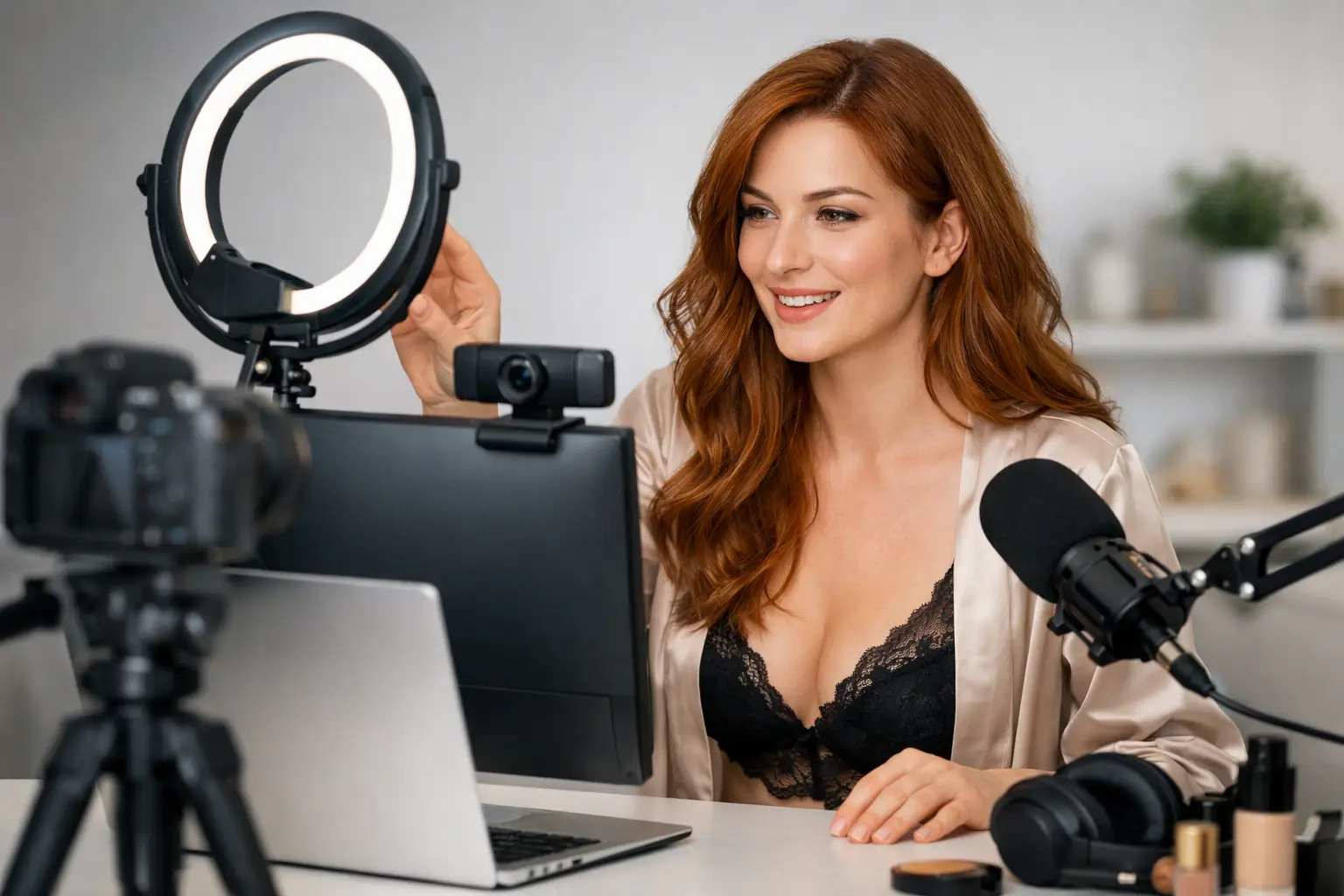
A ring light is popular because it is simple and flattering. Softbox lights can look even better, but they take up more room. LED panel lights are another solid option if you want more control. What matters most is placement. Light your face and body evenly, avoid harsh shadows and test your setup at the times you actually plan to work.
Natural daylight can help, but it is unreliable in the UK. If you want consistent earnings, you need consistent lighting. Do not leave your look to the weather.
The equipment that protects your stream quality
A lot of people focus on what viewers can see and forget what keeps the show running. That is a mistake. If your stream freezes, your audio cuts out or your laptop sounds like it is about to give up, clients leave. Fast.
Internet connection – non-negotiable
Your internet is not the boring part of your setup. It is one of the most important parts of your business. You want strong upload speed, low dropouts and a stable connection during the hours you work. Wired ethernet is usually better than Wi-Fi, especially if other people in the house are streaming, gaming or downloading at the same time.
You do not need the most expensive broadband package in Britain, but you do need reliability. If your connection is patchy, your earnings will be too.
Laptop or desktop – choose reliability over hype
You can cam from a laptop or a desktop. Both work. The question is how hard you want your machine to work. If you plan to stream for long sessions, run multiple tabs, manage messages and maybe use extra software, a decent desktop or a strong laptop makes life easier.
Cheap, outdated devices can lag, overheat or crash mid-show. That is not just annoying. It costs money. If your device struggles with basic streaming, upgrade this before chasing luxury extras.
A second screen can help too. It is not essential, but it makes multitasking much easier. One screen for the live show, one for chat, settings or admin. Less stress means smoother shows.
Audio – often ignored, always noticed
Viewers will tolerate average video longer than they will tolerate bad sound. If your audio is muffled, tinny or full of background noise, it drags down the whole experience. Some webcams have acceptable built-in microphones, but a separate USB mic usually sounds clearer and more professional.
That said, it depends on your style. If you are chat-heavy and build earnings through conversation, audio matters a lot. If your content is more visual and music-led, it may matter slightly less. Either way, test it properly. Echo, fan noise and traffic sounds are all more noticeable than you think.
The part of your webcam model equipment list that shapes first impressions
Your room setup matters because viewers judge the full picture, not just you. A cluttered background, poor angles or random household mess instantly lowers the value of your show. You do not need a huge house or a luxury flat. You need control.
Background and room styling
Pick one area and make it your work zone. Keep it tidy. Think about colours, bedding, furniture and what is visible on camera. Soft lighting, clean sheets and a clear visual theme can make a modest room look far more premium.
If privacy is important, a folding screen, curtain or backdrop can help. That is especially useful if you live with family, flatmates or children and want clear separation between work and personal life. This is not just about aesthetics. It is about boundaries.
Mobile phone stand, tripod and angles
Your camera angle changes everything. A shaky setup balanced on books is not the move. A proper tripod, webcam mount or mobile phone stand gives you flexibility and keeps your framing clean.
Even if your main stream runs through a webcam, your mobile phone can still be useful for extra content, social clips or backup communication. Having the right stands and mounts saves time and gives you more content options without much extra cost.
Smart extras that can increase comfort and earnings
Once your essentials are sorted, then it makes sense to think about upgrades. Not before.
A few extras genuinely help. A remote control for lights can save you getting up mid-session. Extension leads and cable organisers keep your area safer and less chaotic. A comfortable chair matters if you do long shifts. Cooling fans can help if your lights make the room too hot. A robe nearby is useful for quick resets between streams or content clips.
Props, décor and outfits also count as part of your setup, even if they are not traditional tech. They influence mood, branding and what kind of audience you attract. The key is not to overspend too early. Buy items that fit your persona and can be used repeatedly, not novelty bits that sit in a drawer after one week.
What to buy first if your budget is limited
If money is tight, prioritise what directly affects your stream quality. Start with a reliable webcam, a flattering light, stable internet and a device that can handle live streaming. Then improve your background. Then think about audio upgrades and useful extras.
That order matters. Too many beginners spend heavily on appearance-based extras while using weak broadband and poor lighting. It looks expensive, but it does not perform.
If you already have a decent mobile phone, laptop and tidy room, you may be closer than you think. Often the first real upgrade is simply proper lighting and better positioning. That can change your whole screen presence overnight.
A realistic setup beats a fantasy shopping basket
The best webcam model equipment list is the one you will actually use consistently. Not the one that looks impressive on social media. Not the one packed with gear you do not understand. The goal is to get online, look good, stay stable and create an environment where clients want to stay and spend.
There is always room to upgrade as your income grows. Better camera, better mic, more polished background, stronger branding. Fine. But your first setup should be built around earning, not showing off.
That is where many new models get stuck. They think they need perfection before they start. They do not. They need a setup that works, a room that feels intentional and the confidence to treat this like a business from day one. Strictly Models supports creators with the practical side for exactly that reason.
Build smart. Test everything. Improve as you earn. The fastest way to start is rarely the fanciest one.