Guide to Cam Room Setup for Professional Shows
Your room is part of your earning power. Viewers notice poor lighting, a cluttered background and crackly sound within seconds, and they will often move on just as quickly. This guide to cam room setup shows you how to build a space that feels private, professional and worth spending time in, without throwing money at equipment you do not need.
You do not need a huge house or a magazine-perfect bedroom to make money on cam. You need a controlled space where you look good on screen, feel confident and can work without interruptions. Get the basics right first, then upgrade when your income justifies it.
Start with privacy, not decoration
Pick the room you can control. A spare room is ideal, but a bedroom or a private corner of a flat can work well if you can close the door, manage the noise and keep personal items out of view. Your viewers should see the version of your space you have chosen to show, not your address, family photos, work documents or an open window that gives away where you live.
Check what is visible behind and beside you from the camera angle. Remove post, prescription labels, school paperwork, mirrors that reflect another part of the room, and anything carrying your name or location. Close curtains or blinds before you go live. Daylight can look lovely, but it changes fast and can create silhouettes or expose more than intended.
If you share a home, set clear boundaries before your first stream. Tell housemates when you need quiet, keep headphones nearby, and use a lock if that is appropriate and safe for your room. A simple ‘live’ sign on the door can prevent awkward interruptions. Privacy is not just about comfort. It lets you perform with more confidence.
Guide to cam room setup: get the camera position right
Your camera should sit at, or slightly above, eye level. That one adjustment instantly creates a more flattering, professional shot than a laptop balanced on a duvet. Use a tripod, desk stand or stable shelf so the image does not shake when you move.
Start with a medium framing: enough room for viewers to see you clearly and enough background to make the shot feel intentional. Sit in your normal streaming position, open the platform preview and test it before committing. If you work standing up or moving around, step back and check that the frame still looks clean.
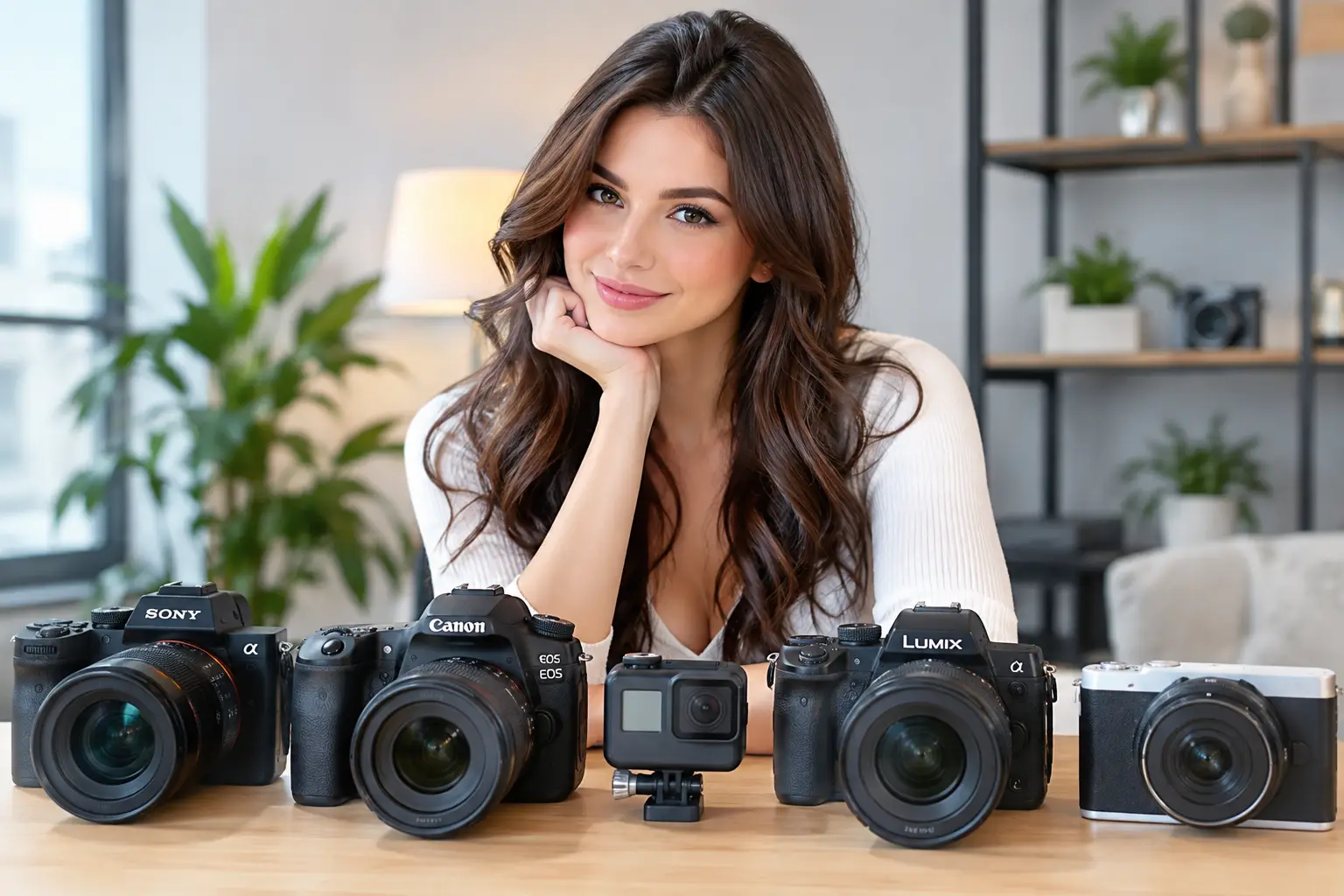
A recent smartphone can produce a strong image, especially in good light. A quality webcam offers an easier fixed setup for longer sessions. A dedicated camera can improve image quality further, but it is an upgrade, not a requirement. Do not delay starting because you think you need the most expensive kit. Clear video, stable framing and good lighting beat fancy gear used badly.
Keep the lens clean. It sounds obvious, but fingerprints and dust turn a sharp picture into a soft, hazy one. Wipe it with a clean microfibre cloth before each session.
Lighting is where your room starts to sell
Lighting changes the entire feel of a cam room. One decent key light placed in front of you will do more for your stream than a costly camera used in a dark room. Avoid relying on a ceiling light alone. It creates shadows under the eyes and can make skin tones look flat.
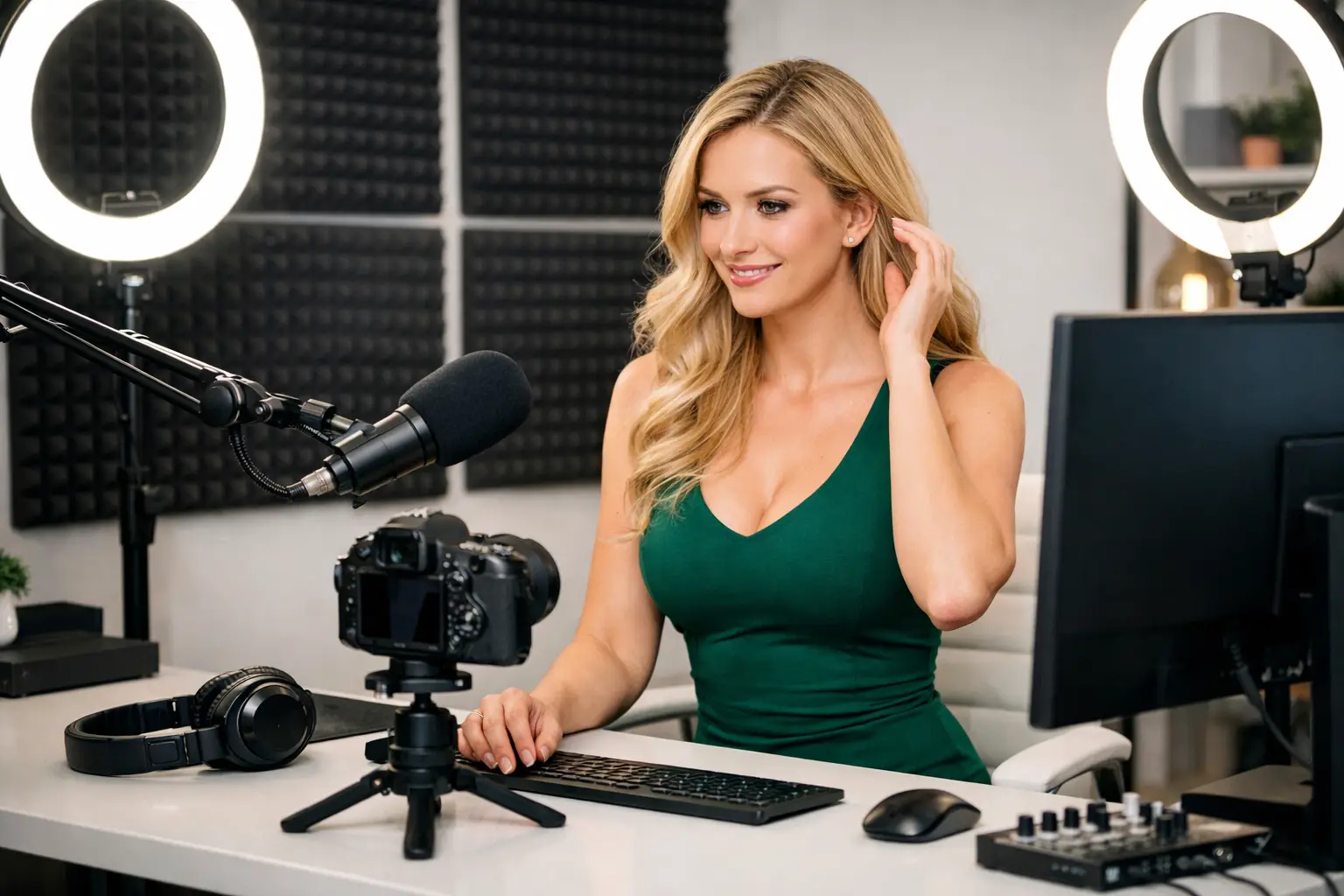
Place a ring light or soft LED light just behind your camera, angled towards your face. Keep it soft rather than painfully bright. If your face looks shiny, move the light slightly to one side or reduce the intensity. Two smaller lights, one on each side, can create an even result if your room is particularly dark.
Choose a colour temperature and stick with it. Warm lighting can make the room feel cosy; cooler lighting can feel cleaner and more modern. Mixing a warm bedside lamp, blue daylight and a ring light often looks messy on camera. Turn off any light that fights the main look.
Coloured LEDs can add personality behind you, but use them as an accent. A soft pink, purple or blue glow can make a plain wall look more deliberate. Flashing lights, overly bright strips or a background washed in colour can distract from you. The goal is to create atmosphere, not turn the room into a nightclub.
Build a background that looks intentional
Your background should support your brand. It does not need to be expensive, but it should be tidy and consistent. A neatly made bed, a plain wall, a curtain, a small chair or a few carefully chosen decorative pieces are enough to give viewers a sense of the space.
Think about the kind of audience you want to attract. A minimal room can feel premium and polished. Softer lighting, cushions and warm tones can create a more relaxed, personal mood. If you have a particular aesthetic, keep it recognisable from stream to stream. Familiarity helps regulars feel that they are returning to your room, not a random broadcast.
Avoid clutter. Laundry piles, food packaging, cables and empty glasses make even good equipment look low effort. Keep a storage box nearby for anything that does not belong in shot. If your space is limited, a folding screen or curtain can create a clean background in minutes.
Sound matters more than most beginners expect
Viewers will forgive a slightly imperfect picture more readily than they will tolerate bad audio. If they cannot hear you clearly, they cannot connect with you. Close windows, silence notifications and move away from noisy appliances where possible.
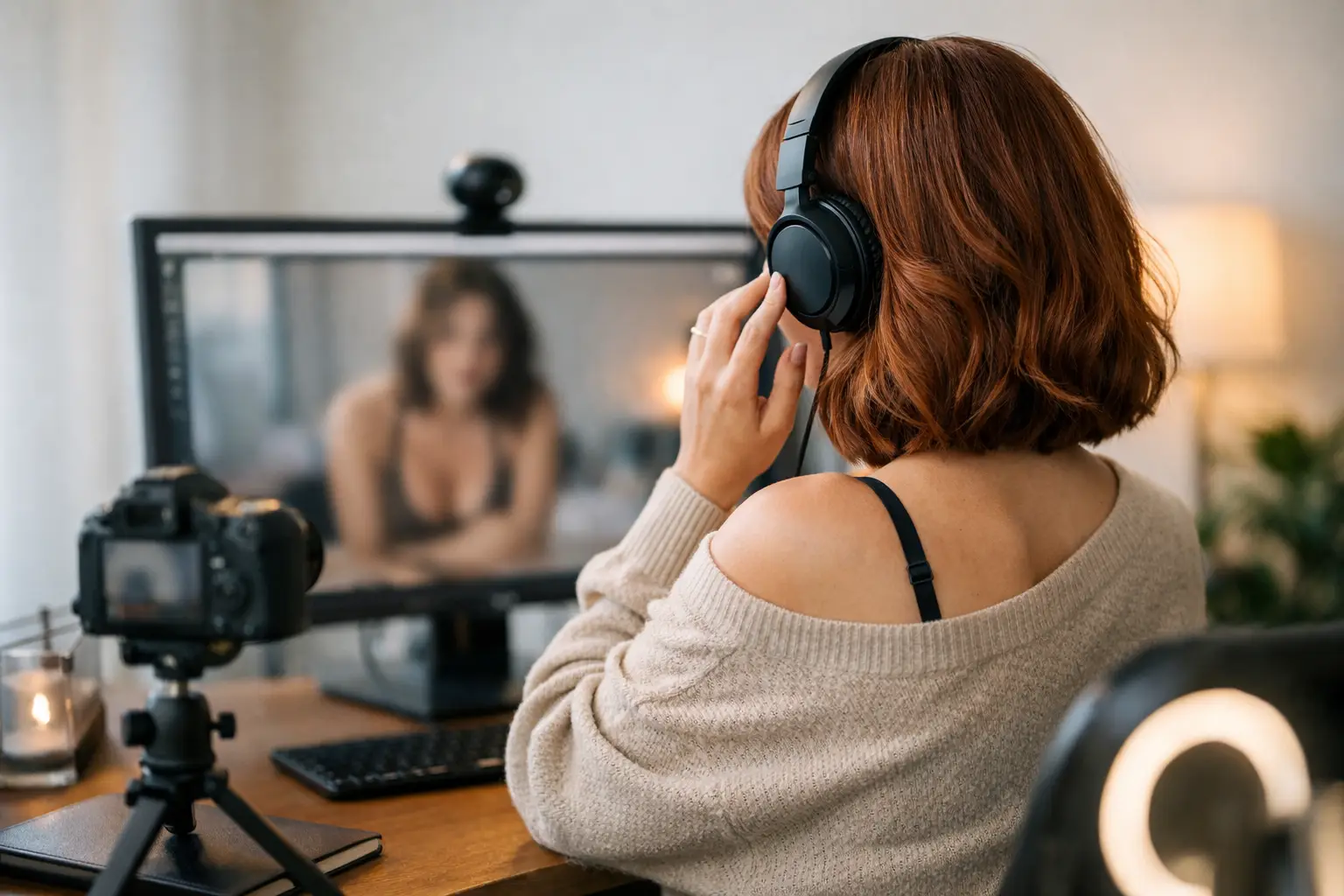
Your laptop microphone may be enough to begin, particularly in a quiet room. If your room echoes or picks up traffic and household noise, a USB microphone is a sensible early upgrade. Position it close enough to capture your voice clearly but outside the camera frame. Test the levels so you are not whispering, clipping or competing with music.
Background music can help fill quiet moments, but keep it low. It should add mood rather than drown out conversation. Make sure any music use follows the rules of the platform you work on. When in doubt, choose no music and let your personality lead the room.
Protect the technical side of your income
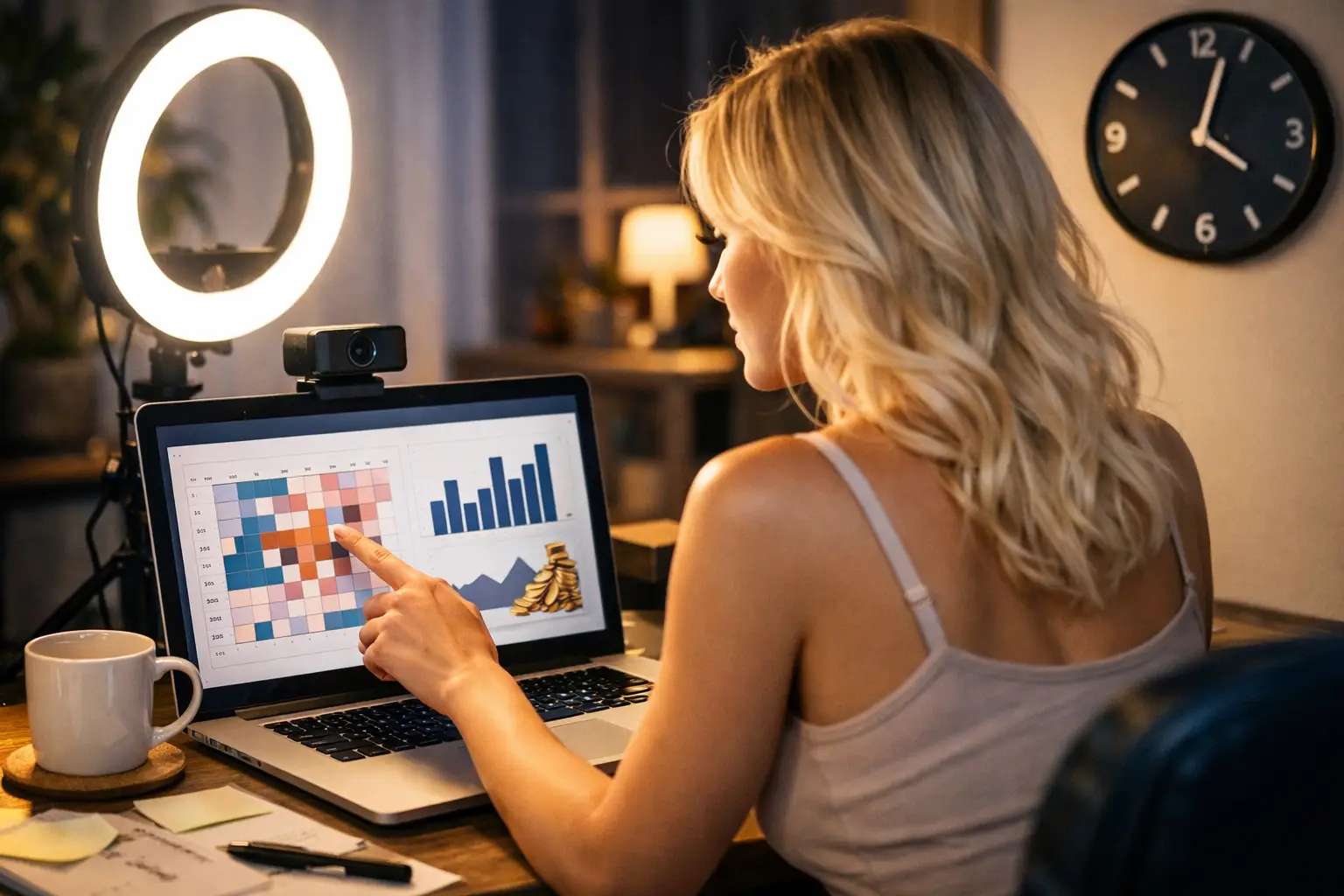
A beautiful setup cannot recover from a stream that freezes every few minutes. Test your broadband at the time you normally plan to work, because speeds can change when others in the household are online. A wired Ethernet connection is usually more reliable than Wi-Fi. If you must use Wi-Fi, stream close to the router and keep other devices off the network during your show.
Have a backup plan. Keep your mobile phone charged with mobile data available in case your home connection drops. Save your lighting and camera positions so you can restart quickly rather than spending twenty minutes rebuilding the room.
Secure your accounts with unique passwords and two-factor authentication where available. Use a separate email address for your cam work, turn off location sharing on devices and check the background of every photo or video before posting it. Your personal security is part of your professional setup.
Make your room comfortable enough to work consistently
Longer sessions are easier when your body is not fighting the setup. Choose a supportive chair if you sit often, keep water within reach and make sure the room is neither freezing nor overheated under lights. Put your most-used items where you can reach them without constantly leaving the frame.
Create a pre-stream routine. Five minutes of preparation can stop small problems from stealing your confidence once you are live. Before each show, check these essentials:
- Camera lens clean, framing checked and battery or power connected.
- Main light on, curtains closed and background clear.
- Microphone tested, notifications muted and door secured.
- Internet stable, platform settings checked and water nearby.
This is also the point to decide what you are wearing, what mood you are bringing and what your goal is for the session. A room that is ready to go makes it much easier to work when you have a spare evening or want to get online quickly.
Upgrade based on what improves earnings
Do not buy equipment just because another model has it. Upgrade when you can identify the problem it solves. If your streams look dark, improve lighting. If viewers struggle to hear you, buy a microphone. If your laptop camera is soft and unreliable, move to a better webcam. If your connection drops, address the broadband before investing in décor.
The best cam room setups evolve as you do. Your first goal is a clean, reliable space that allows you to start earning. Once you understand your audience and your strongest on-camera style, you can invest in a look that supports your personal brand.
A polished room tells viewers you take your work seriously, but you do not have to figure it all out alone. Strictly Models can help adult creators get set up, understand the practical side of camming and focus on building a schedule that works around real life. Start with a private room, a clear picture and the confidence to press go live – then let consistency do the heavy lifting.